What the ScreenConnect incident reveals about remote-management trust
Public report: 11 November 2026. Updated: 17 November 2026.
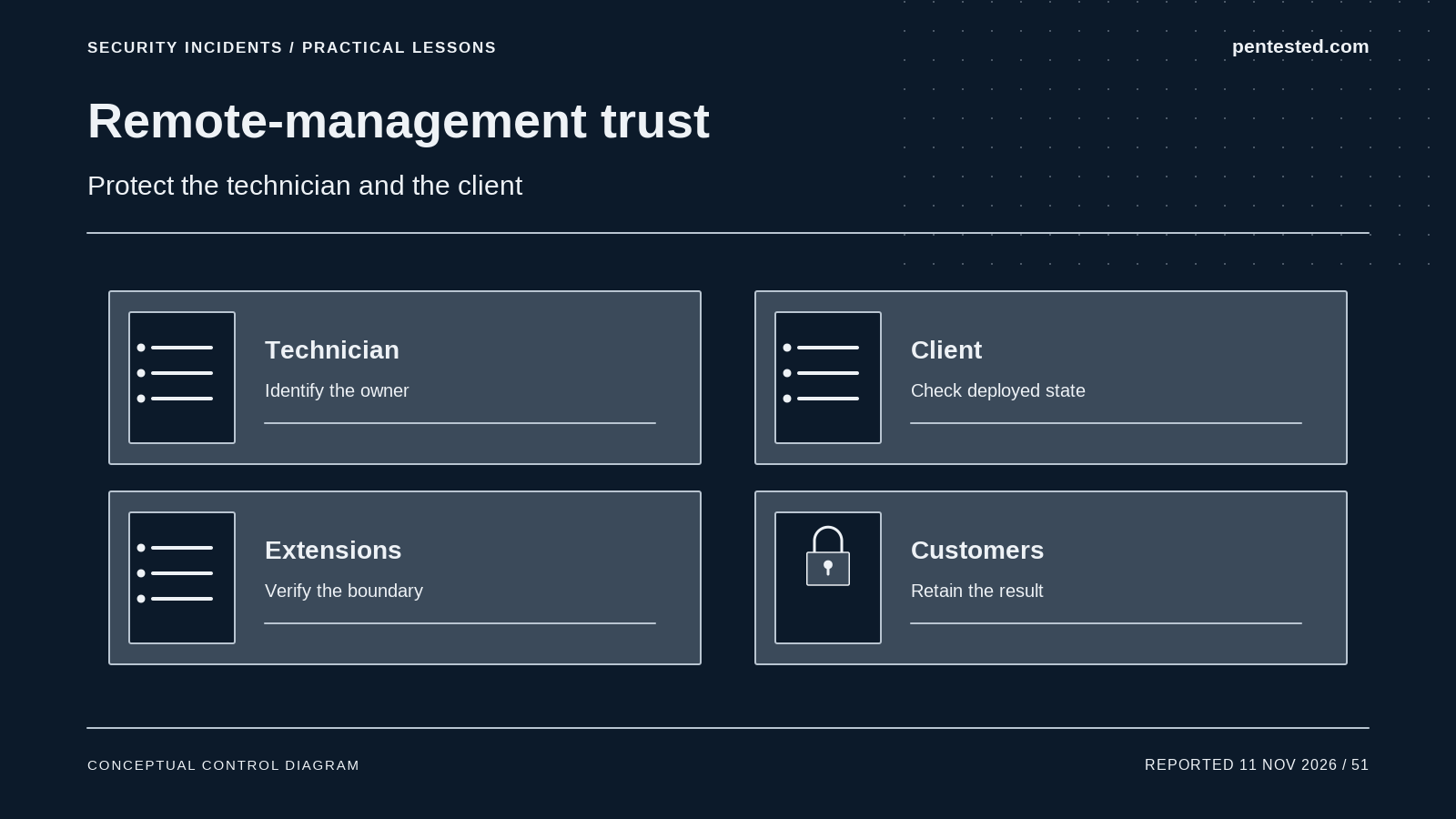
The ScreenConnect incident shows how remote-management trust extends beyond a server. A technician's client, an installed extension and a signed-in account can each provide a route into customer environments. Closing one route does not establish that the others are safe. For an organisation managing many customers, the recovery boundary must include the tools and identities used to move between them.
What happened
ConnectWise first published an advisory on 11 November 2026 about unauthorised activity affecting some partners' ScreenConnect environments. Its subsequent instructions addressed third-party extensions and technician clients. The 16 November update said the investigation was complete and continued to require remedial action by partners.
The vendor instructed partners to disable identified extensions and ensure every technician client ran version 26.6.5 or later. That client release, issued in September, addressed CVE-2026-84869. Updating a ScreenConnect server alone did not satisfy the client requirement. The advisory also called for investigation, session revocation and credential remediation, including checking environments for unauthorised changes.
These instructions should be read together. Removing an extension, installing a server update or resetting a password is not, on its own, evidence that an affected environment has been fully recovered. Equally, an extension's presence does not establish that a particular partner was compromised.
The reporting date and the remediation date differ
This article uses 11 November as its public reporting date and incorporates the vendor's later guidance through 17 November. The September client release is relevant to remediation, but it is not the disclosure date of this incident.
Keep a similar distinction in your own records. Note when the advisory arrived, when potentially affected assets were identified, when containment occurred and when verification finished. A ticket closed when an update was deployed can hide several days in which an old technician client remained usable. Those dates help explain the exposure window without assuming that exposure necessarily resulted in exploitation.
A technician workstation can connect many security boundaries
A remote-support technician may have access to several customer environments during an ordinary working day. Their workstation therefore deserves attention as an administrative system, even if it looks like a standard employee laptop. Browser sessions, remote-control clients, saved credentials and support integrations can combine into substantial authority.
Technician client protection should cover the actual executable and its operating environment. An inventory entry showing a recently updated server tells you little about an older client left on a secondary workstation. A software deployment result also needs verification on devices that were offline, rarely used or assigned to contractors.
Ask which customer environments each technician can reach, which actions require fresh verification and which credentials are available during a session. Separate routine support from sensitive administration where practical. The purpose is to make a single compromised working environment less useful across an entire customer estate.
Customer segregation also needs an operational test. A user who should support one customer must not inherit another customer's access through a broad role, a shared account or an integration. Demonstrate the restriction with test accounts and agreed test environments. A role description is weaker evidence than a denied action recorded in the appropriate log.
Extensions need an explicit permission model
An extension may be installed to save technicians time or connect a support workflow to another system. That convenience can obscure its effective authority. The security review should establish what the extension can read, what it can execute, which credentials it receives and how it is maintained.
Remote-management extension risk is particularly important when the extension operates inside an already powerful tool. A component does not need to control every part of the platform to have a damaging effect. Access to session information, credentials or command execution may be sufficient to undermine a customer's intended boundary.
Maintain an approved extension list with an owner and a reason for each installation. Review dependencies on extensions before an emergency, including any business process that would fail if one were disabled. This makes removal a prepared decision rather than a negotiation conducted during an incident.
Verify disabling at the relevant locations. A marketplace change, a cloud control and an on-premises installation are not automatically the same action. Retain evidence of the actual state of the environments you operate, including less frequently used instances and customer-managed installations where responsibility is shared.
Containment needs an independent route
An administrative tool suspected of compromise should not be the only mechanism available to investigate or repair the endpoints it controls. Otherwise, the response depends on the same trust relationship being examined. Maintain an independent management or endpoint-security route, with credentials and access arrangements appropriate to an emergency.
Preserve useful evidence before removing it. This can include session records, command history, extension activity, administrator changes and queued actions. Coordinate retention with the people responsible for investigation so that a well-intentioned cleanup does not erase the sequence needed to understand what happened.
Review persistence separately from initial access. An attacker who obtained administrative control may have created another account, changed a role, added a scheduled action or modified a tool. Resetting the first compromised password does not remove those changes. Investigators need to identify what authority was available and examine the places that authority could have altered.
Session revocation also deserves its own verification. A password reset and an identity-provider sign-out do not always have identical effects on every connected application. Demonstrate that relevant old sessions and tokens no longer work from a controlled test device. Complete sensitive recovery actions from an environment you have reason to trust.
A partner should also define how it communicates the result to a customer. Distinguish a general advisory response from evidence that the customer's environment was affected. Explain which access routes were reviewed, which actions were taken and which questions remain open. Keep the wording consistent with the investigation record. This gives customers a useful basis for their own decisions without turning the presence of a tool or extension into an unsupported claim about compromise. It also prevents a completed central update campaign from being described as proof that every customer endpoint was examined.
Test recovery across a representative customer boundary
Use a dedicated test tenant and a representative technician workstation for a practical exercise. Start with an authorised session, then simulate a suspected account compromise without introducing malware or interacting with an unapproved customer system. Record the access available before containment.
Disable the relevant test integration, revoke the technician's sessions and remove its permissions. Verify that the previous access no longer succeeds. Then restore approved access using the documented recovery route, checking that the technician receives only the customer permissions intended for their role.
Include an offline workstation in the scenario. Bring it back after the central remediation ticket has been marked complete and establish whether it can reconnect with an old client or retained session. That step tests the gap between a successful deployment campaign and an actually remediated estate.
The result should be a short, usable set of recovery conditions: verified client versions, approved extensions, invalidated sessions, reviewed administrative changes and an independent way to check customer endpoints. The vendor's investigation may be complete while a partner's local verification remains unfinished. Your own evidence should determine when the environment is ready to return to routine support.
References
<https://www.connectwise.com/company/trust/advisories>
Related issues
- FortiCloud SSO exploitation and the danger of persistent administrator access
- What the ConnectWise Cloud Backup breach teaches about tenant trust
- What the GitHub repository theft teaches about developer extensions
Read about our methodology or contact pentested.com to discuss security testing for your organisation.