Sensitive information in mobile application logs
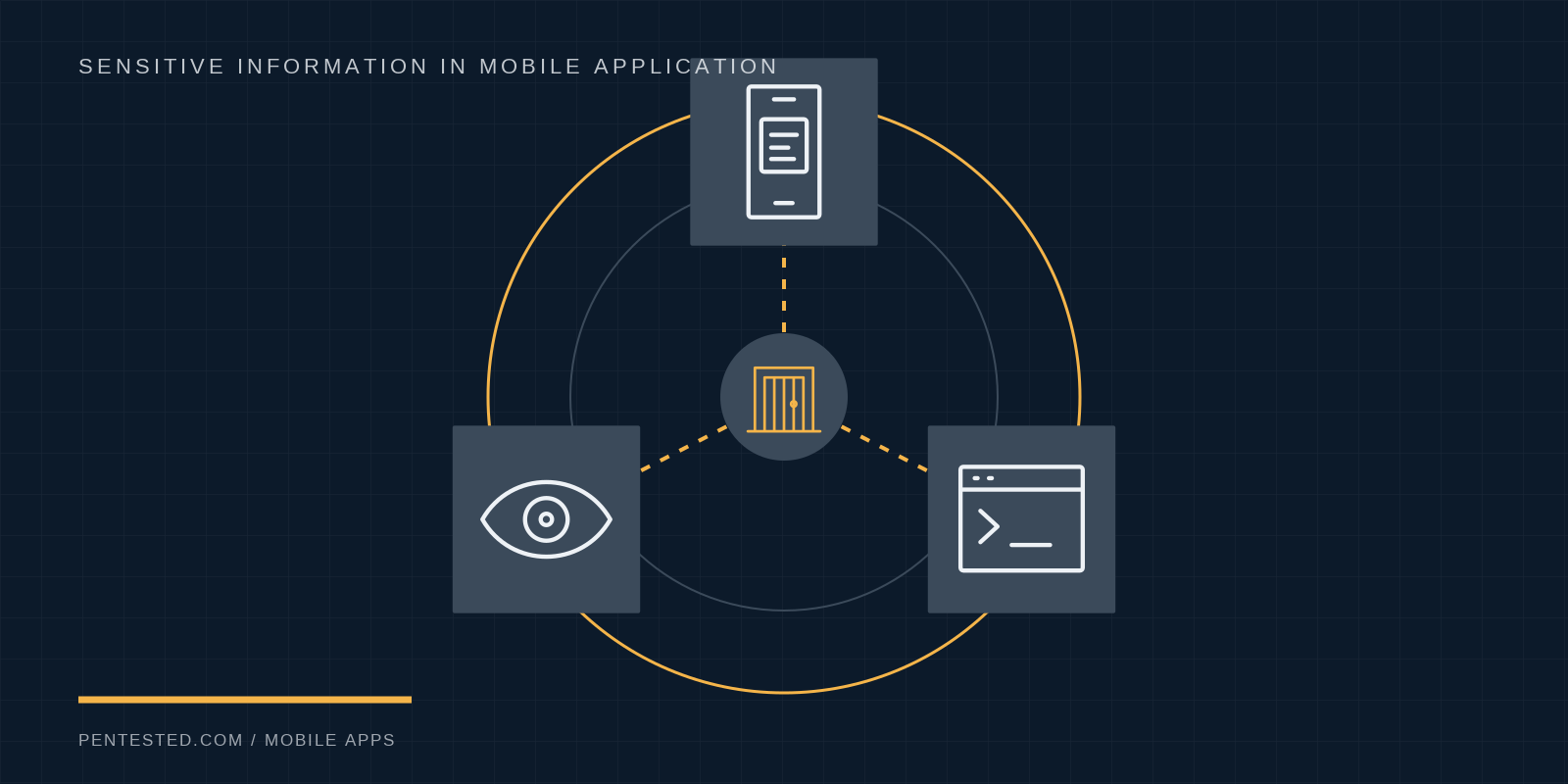
Logs can turn transient sensitive information into a persistent record shared with support systems. Understanding sensitive information in mobile application logs helps establish which security property the feature needs and where that property is actually enforced.
What does this involve?
Storage security concerns the copies that remain after an operation has finished. Files, databases, caches and exports can have different access rules and retention periods. A protected main database does not automatically protect a temporary copy or a restored backup.
On Android platforms, logging APIs like Log, Logger, System.out.print, System.err.print, and java.lang.Throwable#printStackTrace can inadvertently lead to the leakage of sensitive information. Log messages are recorded in logcat, a shared memory buffer, accessible since Android 4.1 (API level 16) only to privileged system applications that declare the READ_LOGS permission. Nonetheless, the vast ecosystem of Android devices includes pre-loaded apps with the READ_LOGS privilege, increasing the risk of sensitive data exposure. Therefore, direct logging to logcat is generally advised against due to its susceptibility to data leaks.
Why it matters
Consider a realistic failure: a failed login writes a reusable access token into a diagnostic log.
Exposure can involve private records, reusable credentials or information that identifies a customer. The practical impact depends on which copy is accessible, the access an attacker needs and whether the recovered material remains useful.
Mobile behaviour can change between a fresh installation, an authenticated session, background activity and a device migration. The assessment needs the actual release and representative supported device states.
How penetration testers check for it
Trigger success and error paths and inspect device logs and uploaded diagnostics.
- Exercise the app extensively to trigger as many flows as possible and enter sensitive data wherever you can.
- Check temporary copies, exports, backups and deletion behaviour.
- Establish whether recovered information grants any further access.
How to fix it
Remove sensitive values at their source and control diagnostic collection and retention.
- Retain only the information needed for the service.
- Separate private working data from deliberately shared content.
- Protect encryption keys independently of encrypted files.
- Verify removal and recovery behaviour against the intended lifecycle.
Encryption is one part of the design. It cannot compensate for an application that willingly returns plaintext to an unauthorised caller.
Recheck the changed behaviour against the original failure conditions and the legitimate user journey. Keep enough evidence to show which release and configuration were verified, and include related entry points that depend on the same security decision.
Related issues
- Sensitive information exposed in mobile screens
- Sensitive mobile data in shared and external storage
- Biometric fallback risks in sensitive mobile transactions
Read about our methodology or contact pentested.com to discuss your mobile applications.