Biometric fallback risks in sensitive mobile transactions
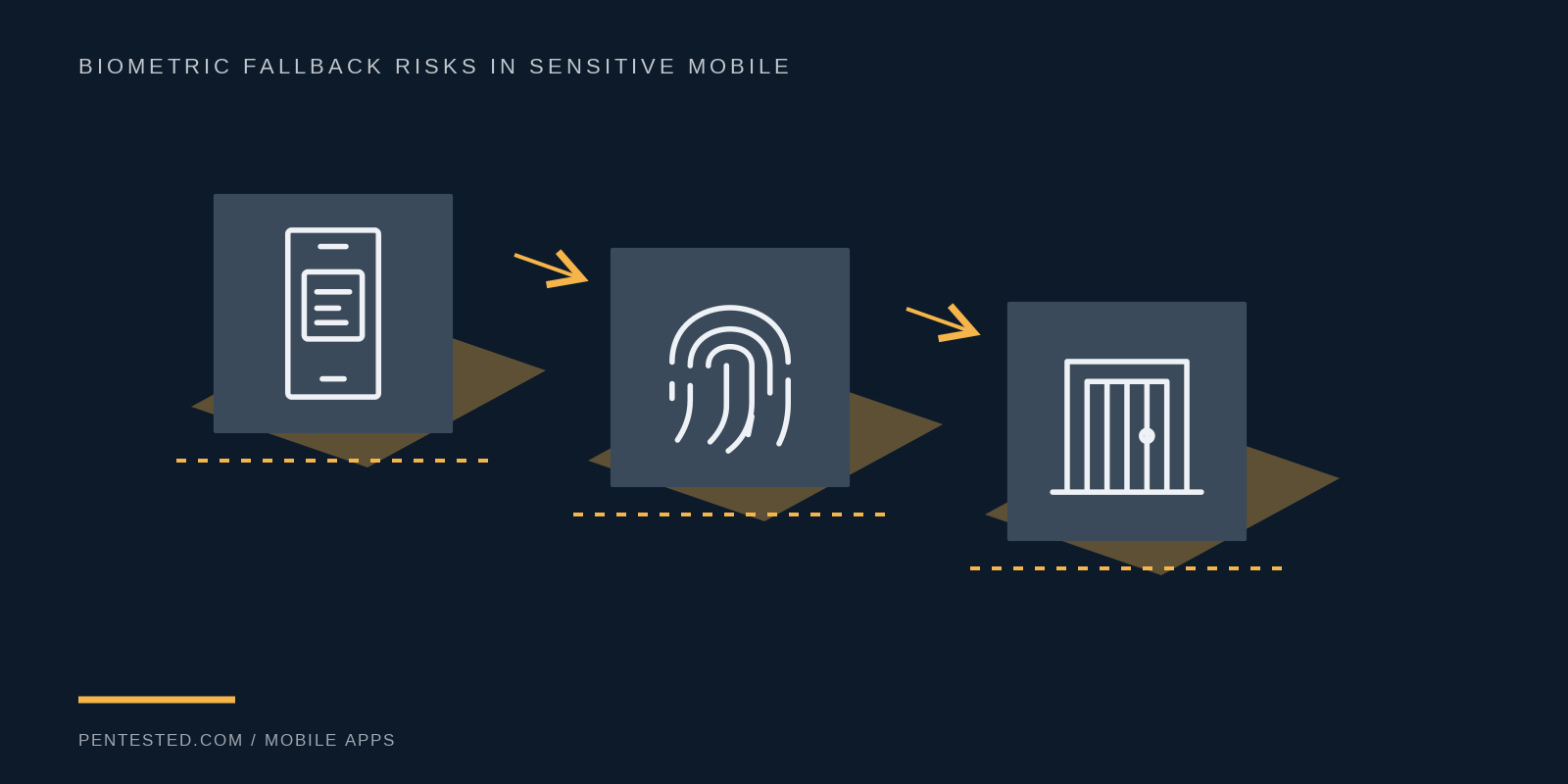
Fallback authentication can change the assurance of an operation initially presented as biometric verification. Understanding biometric fallback risks in sensitive mobile transactions helps establish which security property the feature needs and where that property is actually enforced.
What does this involve?
Authentication establishes who is making a request and the strength and freshness of that evidence. Enrolment, recovery, alternate channels and changes to authenticators are part of the same boundary. An impressive login screen provides little assurance if another path grants equivalent access with weaker checks.
On Android, the android.hardware.biometrics.BiometricPrompt API (or its Jetpack counterpart androidx.biometric.BiometricPrompt that backward compatibility to API level 23) can be configured to accept different types of BiometricManager.Authenticators via the setAllowedAuthenticators method.
When the authenticator constant DEVICE_CREDENTIAL is included (either alone or combined with biometric authenticators using the OR operator "|"), the authentication allows fallback to device credentials, which is considered weaker than requiring biometrics alone because passcodes are more susceptible to compromise (e.g., through shoulder surfing).
Why it matters
Consider a realistic failure: a high-value approval silently falls back to a device PIN known by another person.
Account access can lead to disclosure, unwanted changes or misuse of a trusted identity. The consequence depends on the account's permissions and the actions available after authentication, rather than the appearance of the login mechanism.
Mobile behaviour can change between a fresh installation, an authenticated session, background activity and a device migration. The assessment needs the actual release and representative supported device states.
How penetration testers check for it
Inspect allowed authenticators and actual fallback paths for the sensitive transaction.
- Exercise the app extensively to trigger as many flows as possible and enter sensitive data wherever you can.
- Check expiry, reuse and the binding of challenges to their intended action.
- Follow successful authentication into the operation that trusts it.
How to fix it
Choose fallback rules deliberately and apply stronger checks where the risk requires them.
- Apply consistent verification at trusted boundaries.
- Protect enrolment, replacement and recovery as carefully as login.
- Require appropriate fresh evidence for sensitive changes.
- Record important authentication events without retaining secrets.
Authentication and authorisation answer different questions. Establishing identity does not grant unrestricted permission to records or privileged functions.
Recheck the changed behaviour against the original failure conditions and the legitimate user journey. Keep enough evidence to show which release and configuration were verified, and include related entry points that depend on the same security decision.
Related issues
- Invalidating mobile keys after biometric enrolment changes
- Sensitive mobile data remaining after logout
- Verifiable evidence for critical mobile transactions
Read about our methodology or contact pentested.com to discuss your mobile applications.