Sensitive mobile data in shared and external storage
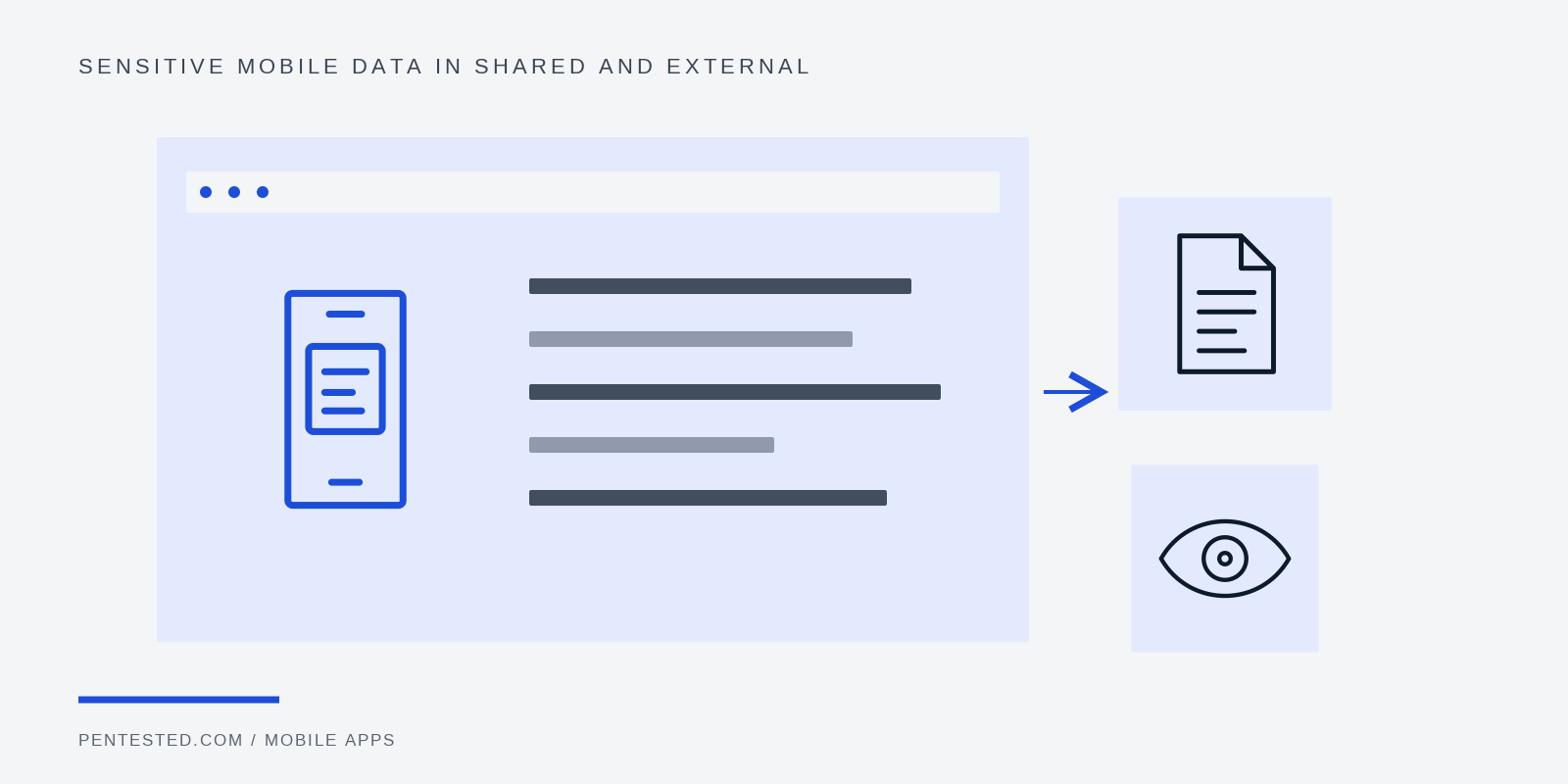
Shared storage has different access boundaries from an app's private sandbox. Understanding sensitive mobile data in shared and external storage helps establish which security property the feature needs and where that property is actually enforced.
What does this involve?
Storage security concerns the copies that remain after an operation has finished. Files, databases, caches and exports can have different access rules and retention periods. A protected main database does not automatically protect a temporary copy or a restored backup.
The most effective approach to testing applications that write to device storage is usually dynamic analysis, and specifically method hooking. You can use it to hook into the relevant APIs such as getExternalStorageDirectory, getExternalStoragePublicDirectory, getExternalFilesDir or FileOutPutStream. You could also use open as a catch-all for file interactions. However, this won't catch all file interactions, such as those that use the MediaStore API and should be done with additional filtering as it can generate a lot of noise.
On iOS, the app sandbox is private by default. However, when the app sets UIFileSharingEnabled or LSSupportsOpeningDocumentsInPlace to YES in its Info.plist, files in certain sandbox locations, especially the documentDirectory, may become accessible through Finder, iTunes File Sharing, or the Files app.
Why it matters
Consider a realistic failure: an exported document is left in a shared download directory beyond its intended lifetime.
Exposure can involve private records, reusable credentials or information that identifies a customer. The practical impact depends on which copy is accessible, the access an attacker needs and whether the recovered material remains useful.
Mobile behaviour can change between a fresh installation, an authenticated session, background activity and a device migration. The assessment needs the actual release and representative supported device states.
How penetration testers check for it
Trace exports, temporary files and permissions granted to other applications.
- Exercise the app extensively to trigger as many flows as possible and enter sensitive data wherever you can.
- Determine whether the data is stored without encryption.
- the app has the proper permissions declared in the Android manifest (e.g. WRITE_EXTERNAL_STORAGE, MANAGE_EXTERNAL_STORAGE, etc.).
- the data being written to shared storage is sensitive and not encrypted.
- Check temporary copies, exports, backups and deletion behaviour.
- Establish whether recovered information grants any further access.
How to fix it
Use private storage for sensitive working data and deliberate, time-limited sharing.
- Retain only the information needed for the service.
- Separate private working data from deliberately shared content.
- Protect encryption keys independently of encrypted files.
- Verify removal and recovery behaviour against the intended lifecycle.
Encryption is one part of the design. It cannot compensate for an application that willingly returns plaintext to an unauthorised caller.
Recheck the changed behaviour against the original failure conditions and the legitimate user journey. Keep enough evidence to show which release and configuration were verified, and include related entry points that depend on the same security decision.
Related issues
- Encrypting private mobile app storage
- Sensitive information in mobile application logs
- Biometric fallback risks in sensitive mobile transactions
Read about our methodology or contact pentested.com to discuss your mobile applications.