Sensitive information exposed in mobile screens
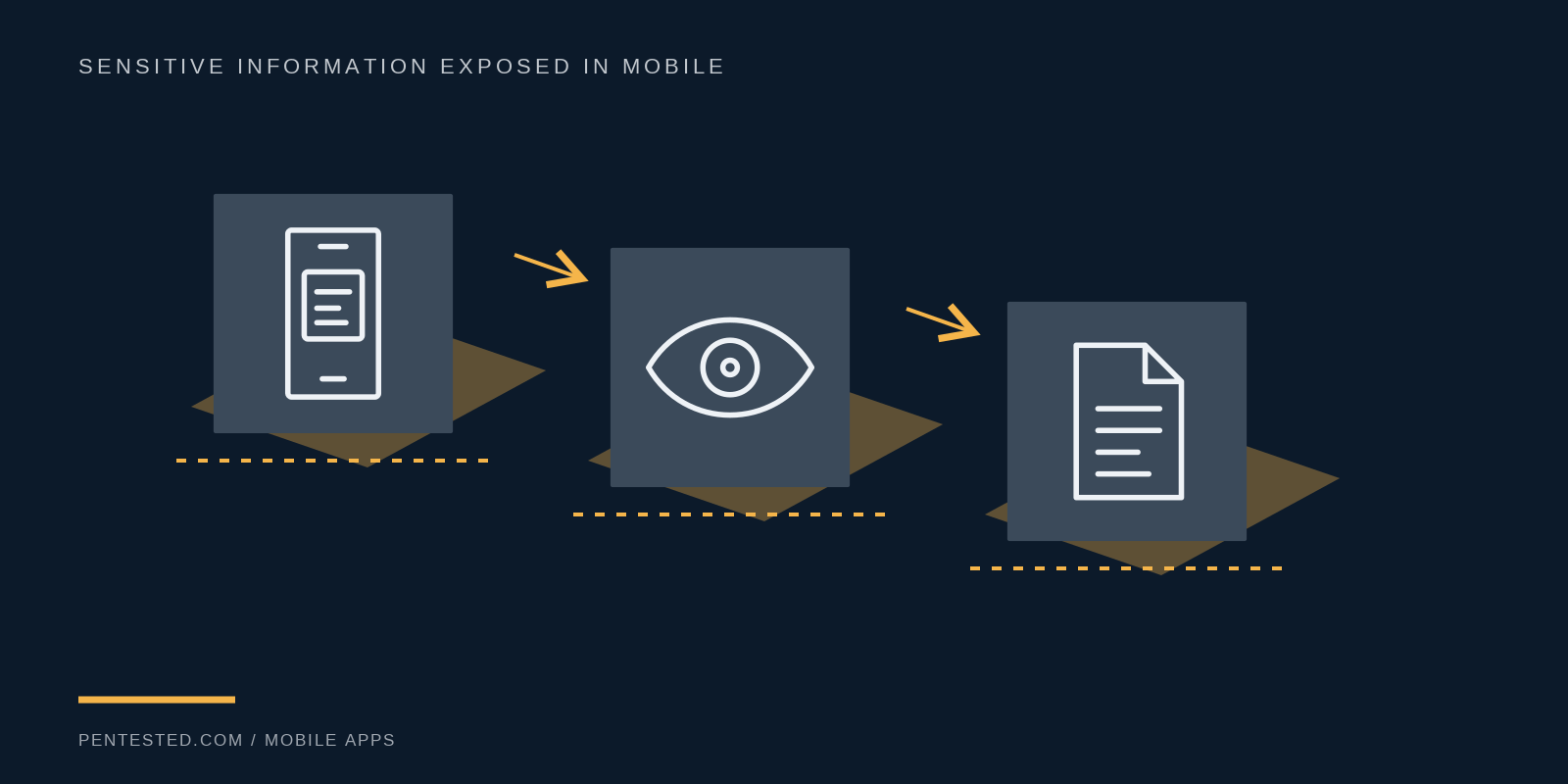
An application screen can disclose more than the user needs to perform the current task. Understanding sensitive information exposed in mobile screens helps establish which security property the feature needs and where that property is actually enforced.
What does this involve?
Browser security is influenced by origins, embedded content, messaging and the way returned data is interpreted. A server can make a correct decision while client-side code later exposes the result to an unintended page or execution context.
Proper masking (e.g., dots instead of input characters) of these codes is essential to protect user privacy. This can be achieved by using appropriate input types that obscure the characters entered by the user. In Jetpack Compose, SecureTextField uses TextObfuscationMode, which by default is TextObfuscationMode.RevealLastTyped, so a developer can simply use SecureTextField without explicitly setting textObfuscationMode unless another behaviour is required.
Overlay attacks (also known as tapjacking) allow malicious apps to place deceptive UI elements over a legitimate app's interface, potentially tricking users into performing unintended actions such as granting permissions, revealing credentials, or authorizing payments. If the app does not implement appropriate protections, users can interact with overlaid malicious content while believing they are interacting with the legitimate app.
Why it matters
Consider a realistic failure: a balance view includes a complete account identifier on a shared or unattended screen.
A browser trust failure can affect signed-in users, private responses or actions taken with a user's session. The assessment should identify the relevant browser behaviour and the server-side permissions that remain in force.
Mobile behaviour can change between a fresh installation, an authenticated session, background activity and a device migration. The assessment needs the actual release and representative supported device states.
How penetration testers check for it
Review masking, screen state, shoulder-surfing exposure and sensitive input rendering.
- A list of locations where overlay protection mechanisms are used.
- The app doesn't check for FLAG_WINDOW_IS_OBSCURED or FLAG_WINDOW_IS_PARTIALLY_OBSCURED in touch event handlers for sensitive interactions.
- The app targets API level 31 or higher but does not use setHideOverlayWindows(true) and declare the HIDE_OVERLAY_WINDOWS permission.
- Determine whether the data written to the pasteboard is sensitive (e.g., passwords, tokens, or personal data).
- Trace untrusted data into rendering and navigation.
- Check credentialed requests and sensitive state changes.
How to fix it
Display the minimum useful information and reveal sensitive values only when needed.
- Keep trusted and untrusted content in appropriate contexts.
- Use safe rendering and precisely scoped browser policies.
- Validate messaging origins and intended recipients.
- Retain independent server-side identity and permission checks.
A policy finding needs application context. The absence of a particular header or browser feature is not, by itself, proof that protected data can be accessed.
Recheck the changed behaviour against the original failure conditions and the legitimate user journey. Keep enough evidence to show which release and configuration were verified, and include related entry points that depend on the same security decision.
Related issues
- Sensitive information in mobile application logs
- Private mobile data exposed in notifications
- Protecting mobile screens from screenshots and recordings
Read about our methodology or contact pentested.com to discuss your mobile applications.