Security risks from unsupported mobile operating systems
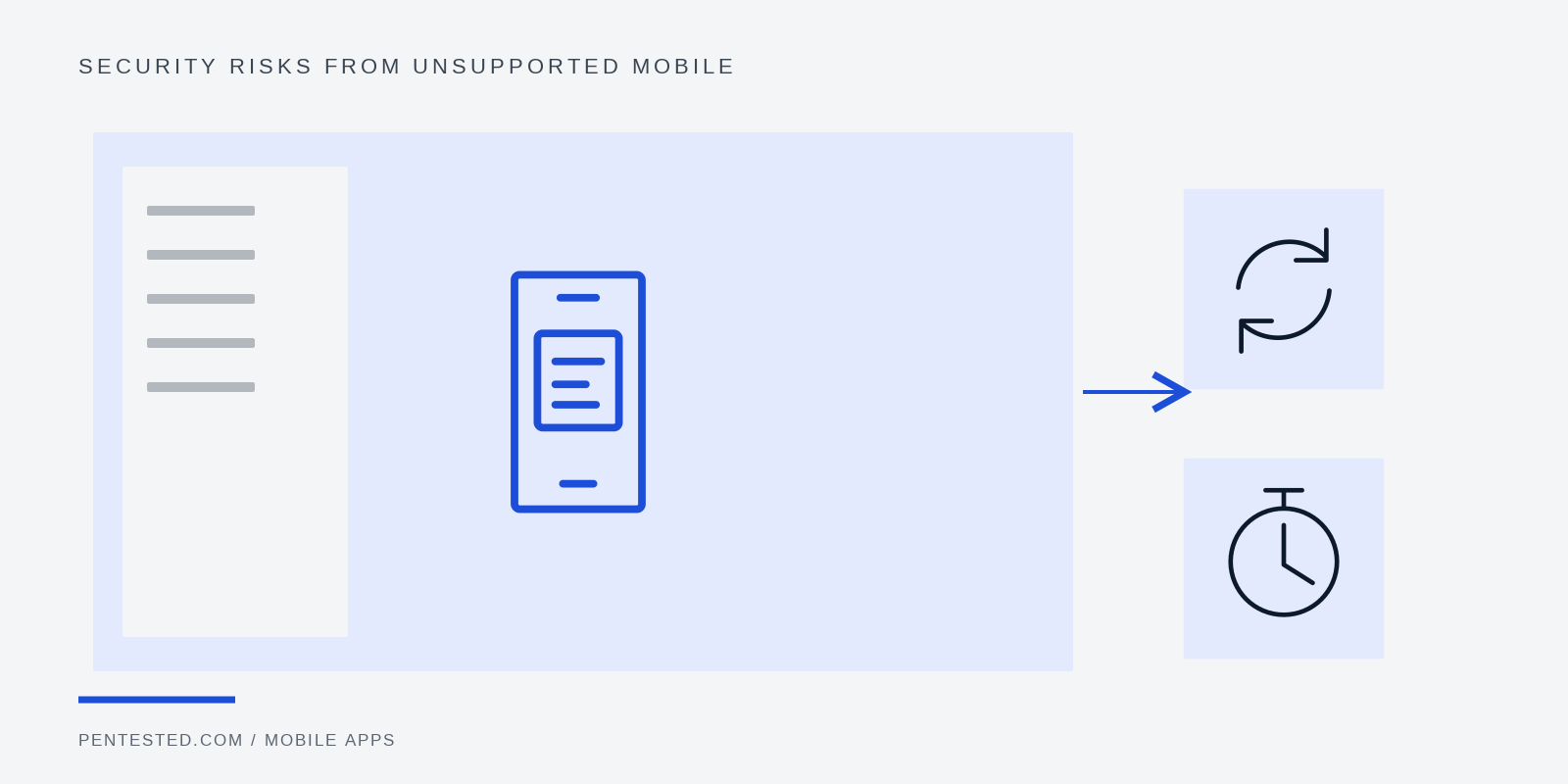
Unsupported operating systems may lack protections the app assumes are present. Understanding security risks from unsupported mobile operating systems helps establish which security property the feature needs and where that property is actually enforced.
What does this involve?
A software dependency becomes part of the application's effective behaviour and maintenance commitment. The important inventory is what the release actually contains, including transitive packages, bundled binaries and code that arrives through a build or update process.
In Kotlin, Android apps can determine the OS version using the Build.VERSION.SDK_INT property, which returns the API level of the current system. By comparing it to a specific version constant, such as Build.VERSION_CODES.UPSIDE_DOWN_CAKE for Android 14 (API level 34), apps can conditionally execute code based on the OS version. In this example, "Upside Down Cake" is the internal codename for Android 14.
Android apps specify a minSdkVersion, which defines the oldest OS version they support. While a high minSdkVersion reduces the need for runtime version checks, dynamically verifying the OS version using Build.VERSION.SDK_INT remains beneficial. It allows apps to take advantage of newer, more secure features when available while maintaining backward compatibility.
Why it matters
Consider a realistic failure: a device continues using sensitive functionality after its platform stops receiving security updates.
A compromised or vulnerable component may run with the application's privileges or receive information the business did not expect to share. Impact depends on reachability, permissions and actual data flows rather than a package name alone.
Mobile behaviour can change between a fresh installation, an authenticated session, background activity and a device migration. The assessment needs the actual release and representative supported device states.
How penetration testers check for it
Compare supported versions with required security features and actual release behaviour.
- Inventory components in real release artefacts.
- Review provenance, integrity and relevant known weaknesses.
- Inspect transitive dependencies and unexpected runtime activity.
- Confirm whether affected code is reachable under realistic conditions.
How to fix it
Define a support policy and provide a controlled migration path for affected users.
- Use maintained and appropriately trusted dependencies.
- Pin and review relevant changes in the delivery process.
- Remove unnecessary components and reduce their permissions.
- Verify remediation in the shipped release and its supporting artefacts.
A vulnerability identifier is a starting point for investigation. Version evidence, affected functionality and deployment conditions determine whether it creates a confirmed application risk.
Recheck the changed behaviour against the original failure conditions and the legitimate user journey. Keep enough evidence to show which release and configuration were verified, and include related entry points that depend on the same security decision.
Related issues
- Dynamic code loading risks in mobile applications
- Mobile certificate pinning design and lifecycle risks
- Biometric fallback risks in sensitive mobile transactions
Read about our methodology or contact pentested.com to discuss your mobile applications.