WebViews that combine local resources with untrusted content
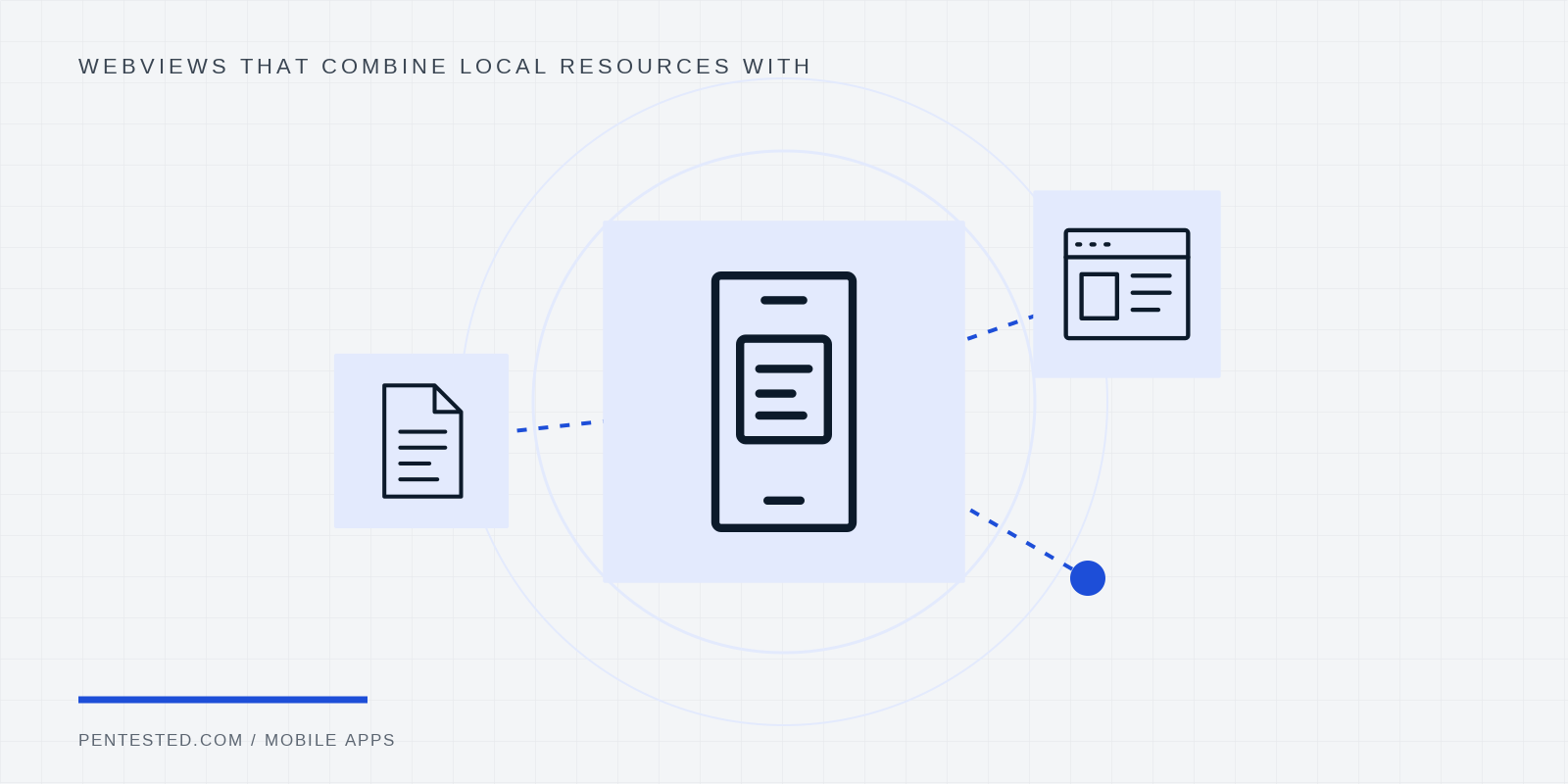
Combining remote content with local file access can collapse a mobile sandbox boundary. Understanding webviews that combine local resources with untrusted content helps establish which security property the feature needs and where that property is actually enforced.
What does this involve?
Browser security is influenced by origins, embedded content, messaging and the way returned data is interpreted. A server can make a correct decision while client-side code later exposes the result to an unintended page or execution context.
Note 2: The provider's android:grantUriPermissions attribute is irrelevant in this scenario as it does not affect the app itself accessing its own content providers. It allows other apps to temporarily access URIs from the provider even though restrictions such as permission attributes, or android:exported="false" are set. Also, if the app uses a FileProvider, the android:grantUriPermissions attribute must be set to true by definition (otherwise you'll get a SecurityException: Provider must grant uri permissions").
Note 3: allowUniversalAccessFromFileURLs is critical in the attack since it relaxes the default restrictions, allowing pages loaded from file:// to access content from any origin, including content:// URIs.
Why it matters
Consider a realistic failure: a WebView loading external content can also reach local application resources.
A browser trust failure can affect signed-in users, private responses or actions taken with a user's session. The assessment should identify the relevant browser behaviour and the server-side permissions that remain in force.
Mobile behaviour can change between a fresh installation, an authenticated session, background activity and a device migration. The assessment needs the actual release and representative supported device states.
How penetration testers check for it
Review file, content-provider and origin access settings and runtime behaviour.
- declared by the app, even if they are not exported.
- declared by other apps, only if they are exported and if they are not following recommended best practices to restrict access.
- setAllowContentAccess is explicitly set to true or not used at all (inheriting the default value, true).
- Exercise the app extensively to trigger as many flows as possible and enter sensitive data wherever you can.
- Trace untrusted data into rendering and navigation.
- Check credentialed requests and sensitive state changes.
How to fix it
Disable unnecessary local access and keep trusted local content separate from remote pages.
- Keep trusted and untrusted content in appropriate contexts.
- Use safe rendering and precisely scoped browser policies.
- Validate messaging origins and intended recipients.
- Retain independent server-side identity and permission checks.
A policy finding needs application context. The absence of a particular header or browser feature is not, by itself, proof that protected data can be accessed.
Recheck the changed behaviour against the original failure conditions and the legitimate user journey. Keep enough evidence to show which release and configuration were verified, and include related entry points that depend on the same security decision.
Related issues
- Untrusted content loaded inside mobile WebViews
- Building frontend trust boundaries around untrusted content
- Bypassing local mobile authentication
Read about our methodology or contact pentested.com to discuss your mobile applications.