Bypassing local mobile authentication
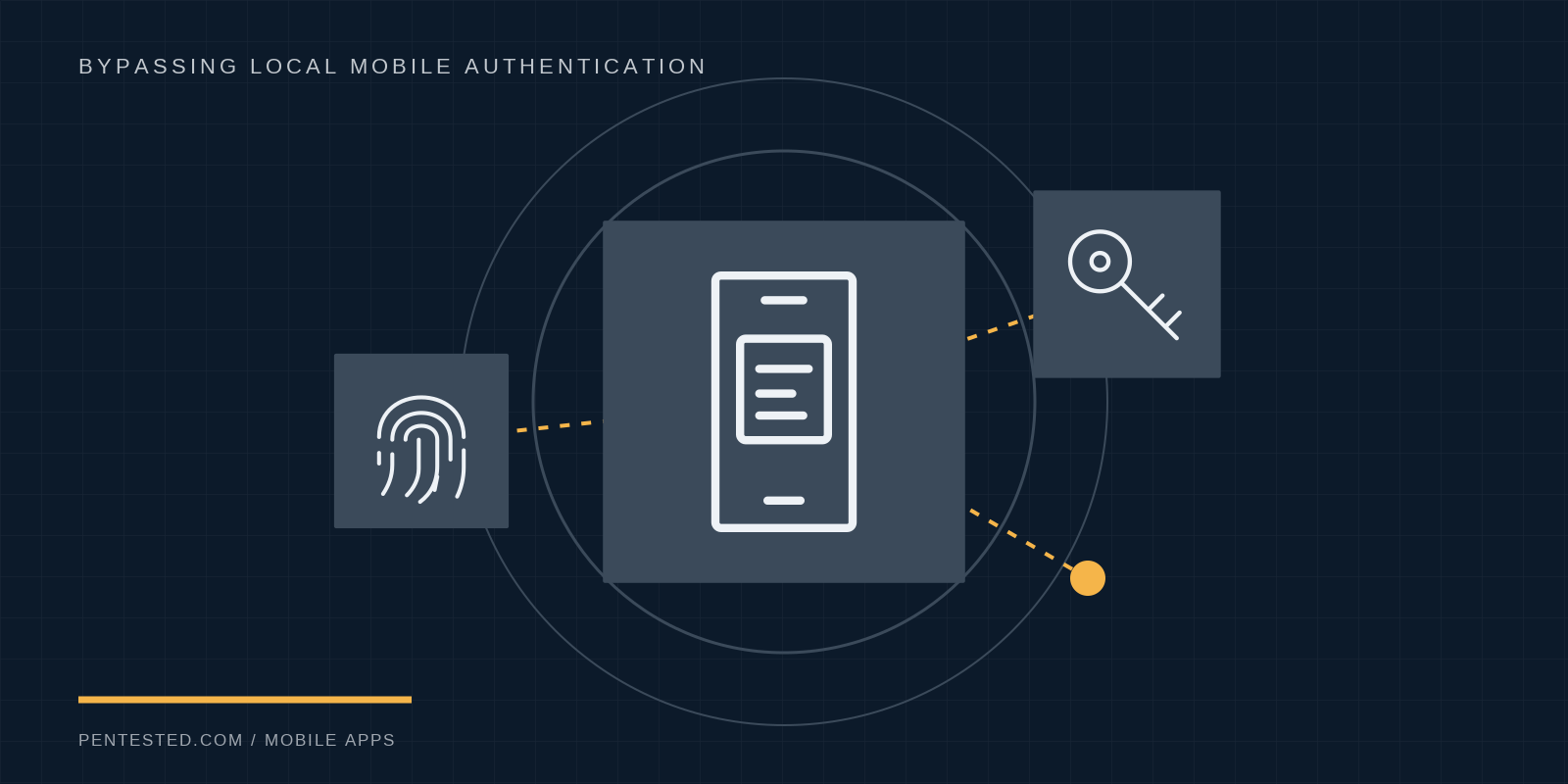
A successful local UI prompt is insufficient if the protected operation does not depend on it. Understanding bypassing local mobile authentication helps establish which security property the feature needs and where that property is actually enforced.
What does this involve?
Authentication establishes who is making a request and the strength and freshness of that evidence. Enrolment, recovery, alternate channels and changes to authenticators are part of the same boundary. An impressive login screen provides little assurance if another path grants equivalent access with weaker checks.
On Android, BiometricPrompt.authenticate can be called with a CryptoObject or without a CryptoObject. When used without a CryptoObject the app relies on the onAuthenticationSucceeded callback to determine if authentication was successful (event-bound). This makes it susceptible to logic manipulation by overwriting the callback without successfully passing the biometric verification.
In contrast, when a CryptoObject is used (crypto-bound), the app passes a cryptographic object (e.g., Cipher, Signature, Mac) that requires user authentication. This ensures authentication is not just a one-time boolean, but part of a secure data retrieval path (out-of-process), so bypassing authentication becomes significantly harder.
Why it matters
Consider a realistic failure: changing a local return value unlocks data that should require user authentication.
Account access can lead to disclosure, unwanted changes or misuse of a trusted identity. The consequence depends on the account's permissions and the actions available after authentication, rather than the appearance of the login mechanism.
Mobile behaviour can change between a fresh installation, an authenticated session, background activity and a device migration. The assessment needs the actual release and representative supported device states.
How penetration testers check for it
Trace the authentication result to the operation and any associated cryptographic key.
- There are no calls to key generation with setUserAuthenticationRequired(true) in conjunction with biometric authentication, as by default, the key is authorised to be used regardless of whether the user has been authenticated or not.
- Duration = 0: The key requires authentication for every cryptographic operation. This is the most secure configuration as each use of the key requires biometric verification.
- Duration > 0: The key remains unlocked for the specified duration (in seconds) after successful authentication. When the duration is set to a high value in the range of minutes or hours an attacker with physical access to the phone could trigger sensitive operations without biometric verification.
- There are no calls to SecAccessControlCreateWithFlags requiring user presence with any of the possible flags.
- Check expiry, reuse and the binding of challenges to their intended action.
- Follow successful authentication into the operation that trusts it.
How to fix it
Bind protected operations to platform authentication and retain independent server-side checks.
- Apply consistent verification at trusted boundaries.
- Protect enrolment, replacement and recovery as carefully as login.
- Require appropriate fresh evidence for sensitive changes.
- Record important authentication events without retaining secrets.
Authentication and authorisation answer different questions. Establishing identity does not grant unrestricted permission to records or privileged functions.
Recheck the changed behaviour against the original failure conditions and the legitimate user journey. Keep enough evidence to show which release and configuration were verified, and include related entry points that depend on the same security decision.
Related issues
- Authentication and authorisation for mobile app components
- Step-up authentication for high-risk mobile actions
- Authenticating mobile data with message authentication codes
Read about our methodology or contact pentested.com to discuss your mobile applications.