Authentication and authorisation for mobile app components
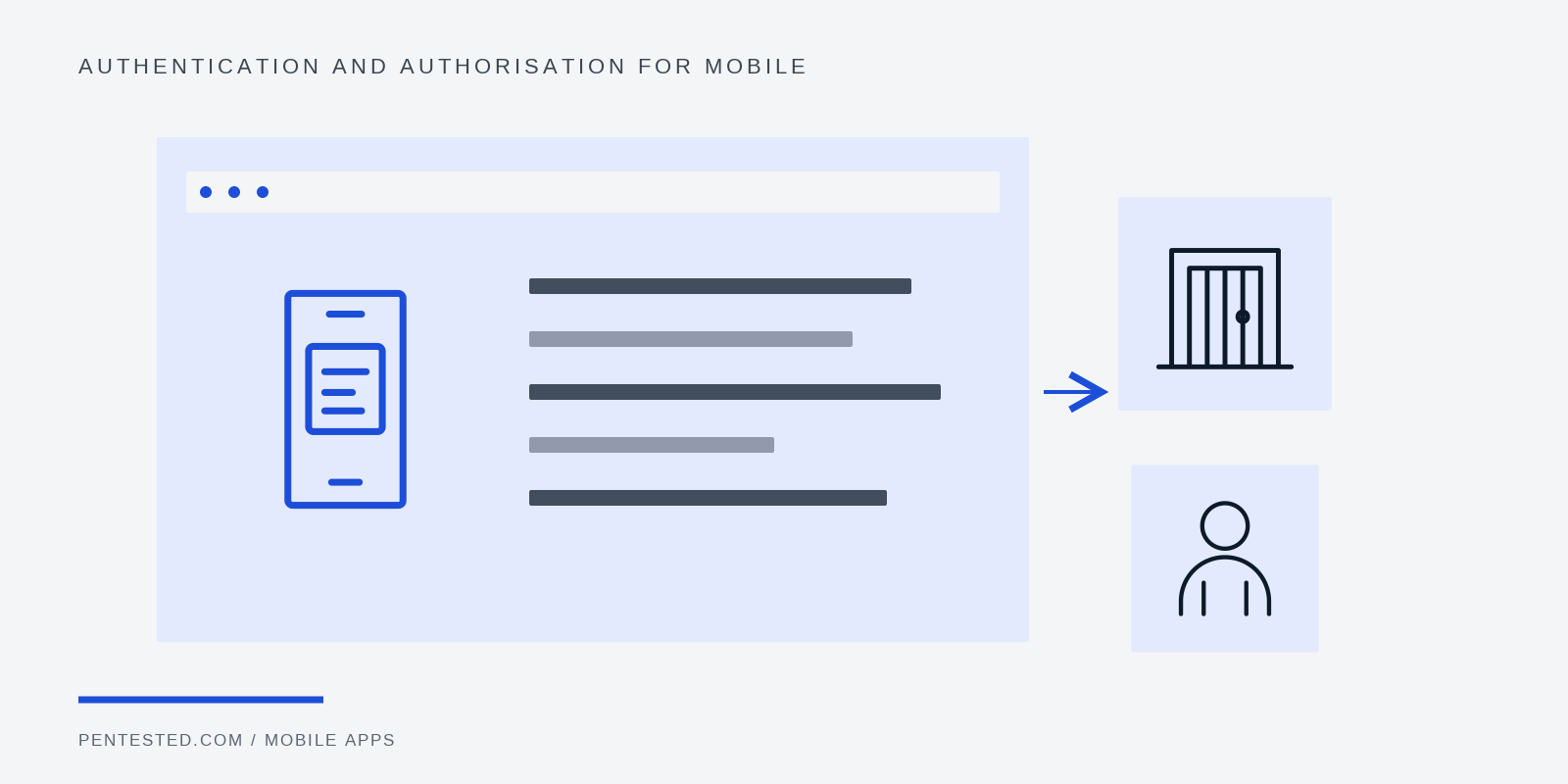
Mobile components need permission checks when another app can invoke them directly. Understanding authentication and authorisation for mobile app components helps establish which security property the feature needs and where that property is actually enforced.
What does this involve?
Authorisation determines which resources and operations an established identity may use. It must be enforced where protected data is read or changed. User interface restrictions, obscure identifiers and documentation can help usability, but they do not replace the service's own permission decision.
Why it matters
Consider a realistic failure: an exported Android activity opens a protected record without passing through the normal login screen.
A missing check can expose another account's information or let an ordinary user perform a privileged action. The result should be described by the actual records and operations reached, including whether access crosses a customer or organisational boundary.
Mobile behaviour can change between a fresh installation, an authenticated session, background activity and a device migration. The assessment needs the actual release and representative supported device states.
How penetration testers check for it
Invoke exposed components under different identities and application states.
- Determine whether the declared permission uses android:protectionLevel="normal" or android:protectionLevel="dangerous", which does not guarantee that only trusted apps can access the provider.
- Determine whether the data exposed through the provider is sensitive.
- Exercise the app extensively to trigger as many flows as possible and enter sensitive data wherever you can.
- Determine whether FileProvider.getUriForFile is called with attacker-controlled input (for example, values derived from URI query parameters or user input).
- Test nested resources, background processing and state changes.
- Confirm rejection as well as the legitimate successful journey.
How to fix it
Reduce component exposure and enforce authorisation at the operation that accesses protected data.
- Define explicit access rules and default-deny behaviour.
- Bind resource selection to trusted ownership and tenant context.
- Enforce permission checks at each protected operation.
- Maintain regression cases for unauthorised users and changed permissions.
A successful response alone does not prove unauthorised access. Establish whose resource was affected and what the caller was legitimately entitled to do.
Recheck the changed behaviour against the original failure conditions and the legitimate user journey. Keep enough evidence to show which release and configuration were verified, and include related entry points that depend on the same security decision.
Related issues
- Bypassing local mobile authentication
- Step-up authentication for high-risk mobile actions
- Authenticating mobile data with message authentication codes
Read about our methodology or contact pentested.com to discuss your mobile applications.