Unencrypted traffic from mobile applications
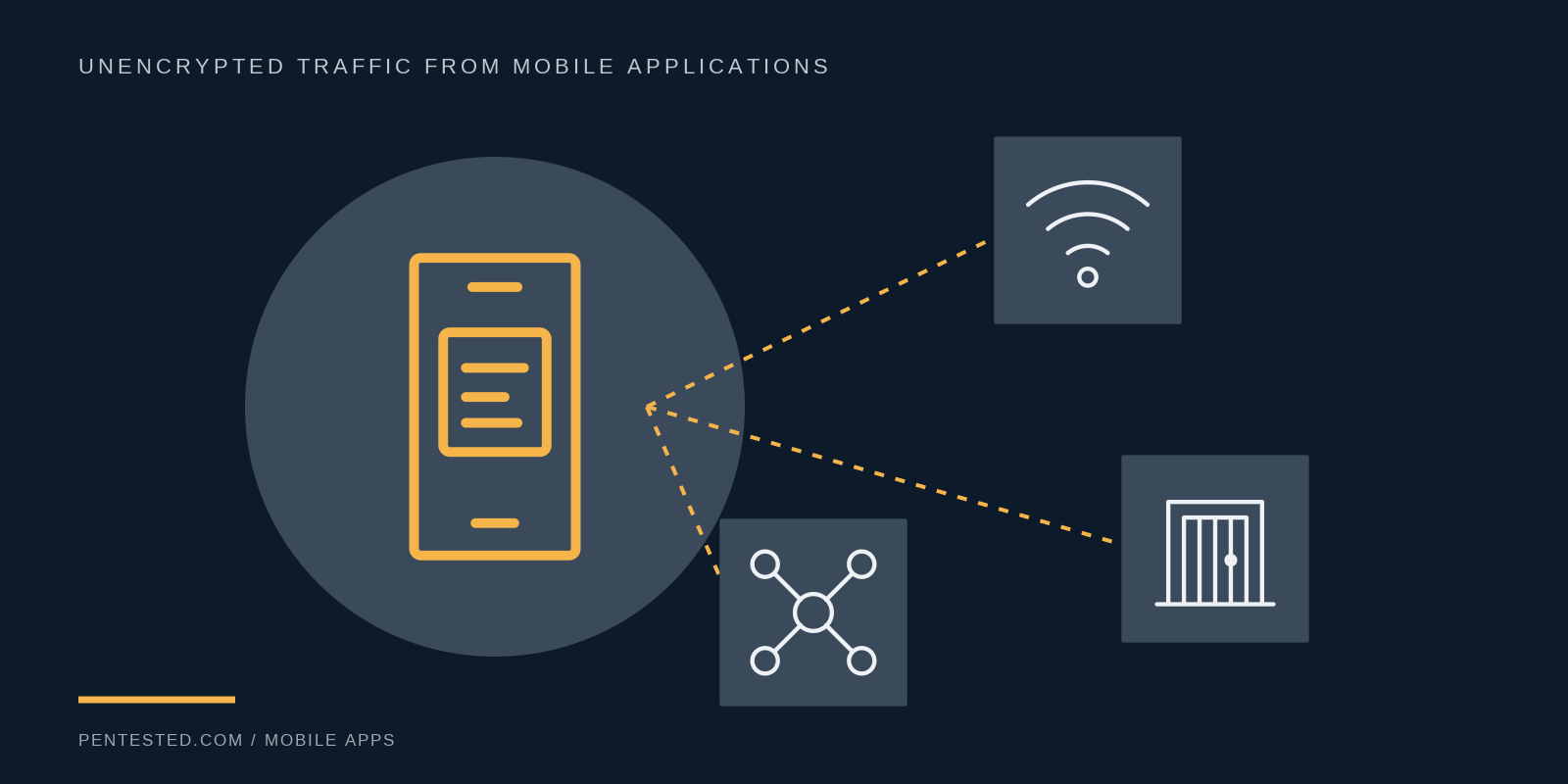
Sensitive traffic can escape through cleartext connections even when the main login uses HTTPS. Understanding unencrypted traffic from mobile applications helps establish which security property the feature needs and where that property is actually enforced.
What does this involve?
A framework provides useful security mechanisms only when the application uses them consistently and deploys them with appropriate settings. Custom handlers, plugins and alternate execution paths can bypass protections that the development team assumes are automatic.
The Android Network Security Configuration does not provide direct control over specific TLS versions (unlike iOS), and starting with Android 10, TLS v1.3 is enabled by default for all TLS connections.
An app can obtain an SSLContext using an insecure TLS protocol by calling SSLContext.getInstance("TLSv1.1") and can also enable specific, potentially insecure, protocol versions using the API call javax.net.ssl.SSLSocket.setEnabledProtocols(String[] protocols).
Why it matters
Consider a realistic failure: a support upload sends customer information to an unencrypted diagnostic endpoint.
A configuration or integration mistake can affect many routes at once. The important question is which application data and operations become reachable, rather than whether a framework option merely differs from its default.
Mobile behaviour can change between a fresh installation, an authenticated session, background activity and a device migration. The assessment needs the actual release and representative supported device states.
How penetration testers check for it
Observe all app traffic, redirects, embedded views and background activity.
- Exercise the app extensively to trigger as many flows as possible and enter sensitive data wherever you can.
- Reverse Engineering: Inspect the code locations where the HTTP URLs are referenced. Determine if they are merely stored as constants or actively used to create HTTP requests through networking APIs like HttpURLConnection or OkHttp.
- AndroidManifest.xml: Setting the android:usesCleartextTraffic attribute of the tag. Note that this flag is ignored in case the Network Security Configuration is configured.
- Inspect custom integrations and security overrides.
- Test important negative cases alongside ordinary functionality.
How to fix it
Require protected transport for sensitive flows and remove unnecessary cleartext exceptions.
- Use maintained framework features and supported versions.
- Keep security-sensitive configuration explicit and reviewed.
- Avoid unnecessary custom replacements for trusted mechanisms.
- Retain regression checks for the application's actual trust boundaries.
A secure framework cannot determine every business permission or data ownership rule. Those requirements still need clear application design and enforcement.
Recheck the changed behaviour against the original failure conditions and the legitimate user journey. Keep enough evidence to show which release and configuration were verified, and include related entry points that depend on the same security decision.
Related issues
- Mobile certificate validation and hostname checks
- Verifiable evidence for critical mobile transactions
- Mobile certificate pinning design and lifecycle risks
Read about our methodology or contact pentested.com to discuss your mobile applications.