How network security configuration affects your website

Network security configuration determines which systems can reach your website and the services behind it. A secure application can still face avoidable risk if its database, management tools or supporting servers accept unnecessary connections. Reviewing these settings helps establish whether the surrounding infrastructure supports the application's security requirements and limits the consequences of a fault.
What is network security configuration?
A website often relies on several connected systems. These might include a public web server, a private database and a separate service that checks user identities. Each connection should have a defined purpose.
Network rules decide which connections are permitted. Service settings determine how the receiving system behaves, including whether it requires suitable credentials and receives security updates.
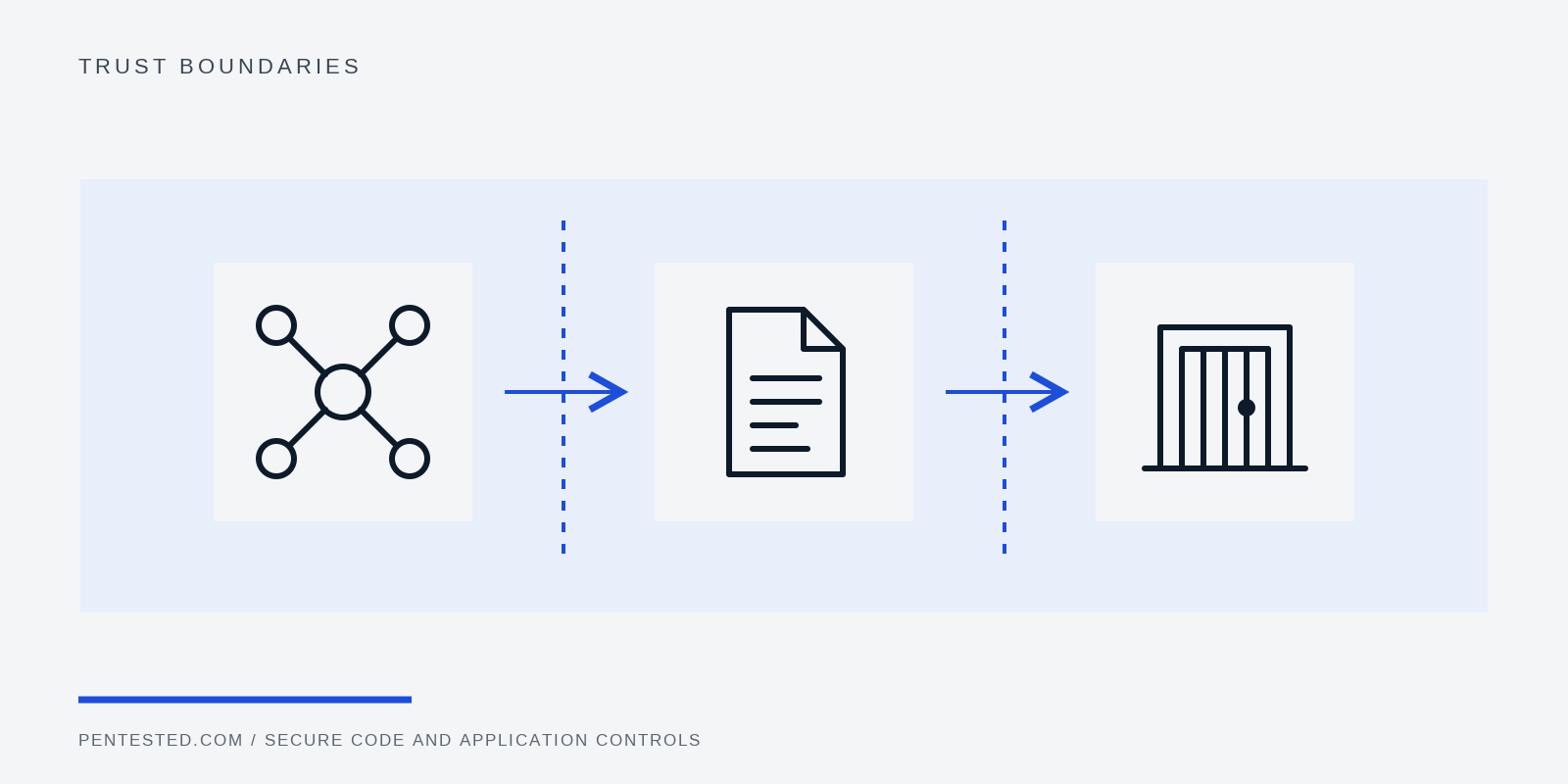
A web application architecture review identifies these relationships before individual controls are assessed. It should establish which services belong on the public internet and which need access only from specific internal components.
The review covers the combined arrangement. A firewall rule, a hosting setting and a service's own access controls can all affect whether a system is reachable.
Why it matters
Consider a customer portal whose database should accept connections only from the application server. A temporary support change might leave that database reachable from the internet after the work ends.
The website's normal sign-in process would not protect that separate connection. An exposed service might face password guessing or investigation of a software weakness without any interaction with the portal itself.
The impact depends on the service, its permissions and the protection still in place. Public reachability alone does not prove that someone can retrieve records. It does mean the assessment needs to examine a route that the business may not have intended to provide.
Good separation also limits disruption. A fault in a public component should not automatically give it unrestricted access to every supporting system or management function.
How penetration testers check for it
- Compare the agreed system inventory and connection requirements with the services reachable through authorised external and internal assessment points.
- Review relevant network rules, hosting settings and service restrictions, identifying unnecessary access and differences between documented and deployed arrangements.
- Assess confirmed components against applicable support and security guidance, validating findings rather than relying solely on an advertised product version.
- Examine permitted management and identity-service connections, explaining how each confirmed weakness could affect the website or its supporting data.
How to fix it
- Document the connections each component needs, including their purpose and owner. Use that record to remove unnecessary exposure and review proposed access changes.
- Restrict private services to the specific systems or approved management routes that require them. Apply equivalent controls across relevant network addresses and hosting environments.
- Maintain supported software and strong service credentials. Confirm which team or supplier owns updates, access reviews and the removal of temporary support arrangements.
- Monitor important configuration changes and repeat reachability checks after deployment. Check the actual connection path as well as the settings shown in a management console.
Keep exceptions visible and time-limited. A temporary access rule should have an owner and a review date so it does not quietly become part of the permanent design.
Related issues
- Web server configuration mistakes that expose your data
- Why exposed admin panels need stronger protection
- Why web application architecture affects security
Read about our methodology or contact pentested.com to discuss testing for your website.