Why exposed admin panels need stronger protection

Exposed admin panels provide a reachable entrance to functions that can control a website or its supporting services. Some are intentionally available to authorised staff over the internet. Others appear through forgotten tools or unnecessary server features. The security question is whether the right people can perform the right actions, with protection suited to the power those actions carry.
What is an exposed admin panel?
An administration panel might manage staff accounts, publish content, change application settings or export customer records. Server and hosting products can also have separate management interfaces with wider permissions.
Finding an administrator sign-in page does not demonstrate that someone can use its functions. A supported, deliberately public interface may be appropriate when strong identity checks and permissions protect it.
Problems arise when an interface has weak protection, unnecessarily broad reach or functions accessible through routes that bypass the intended checks. Hiding its web address provides little assurance.
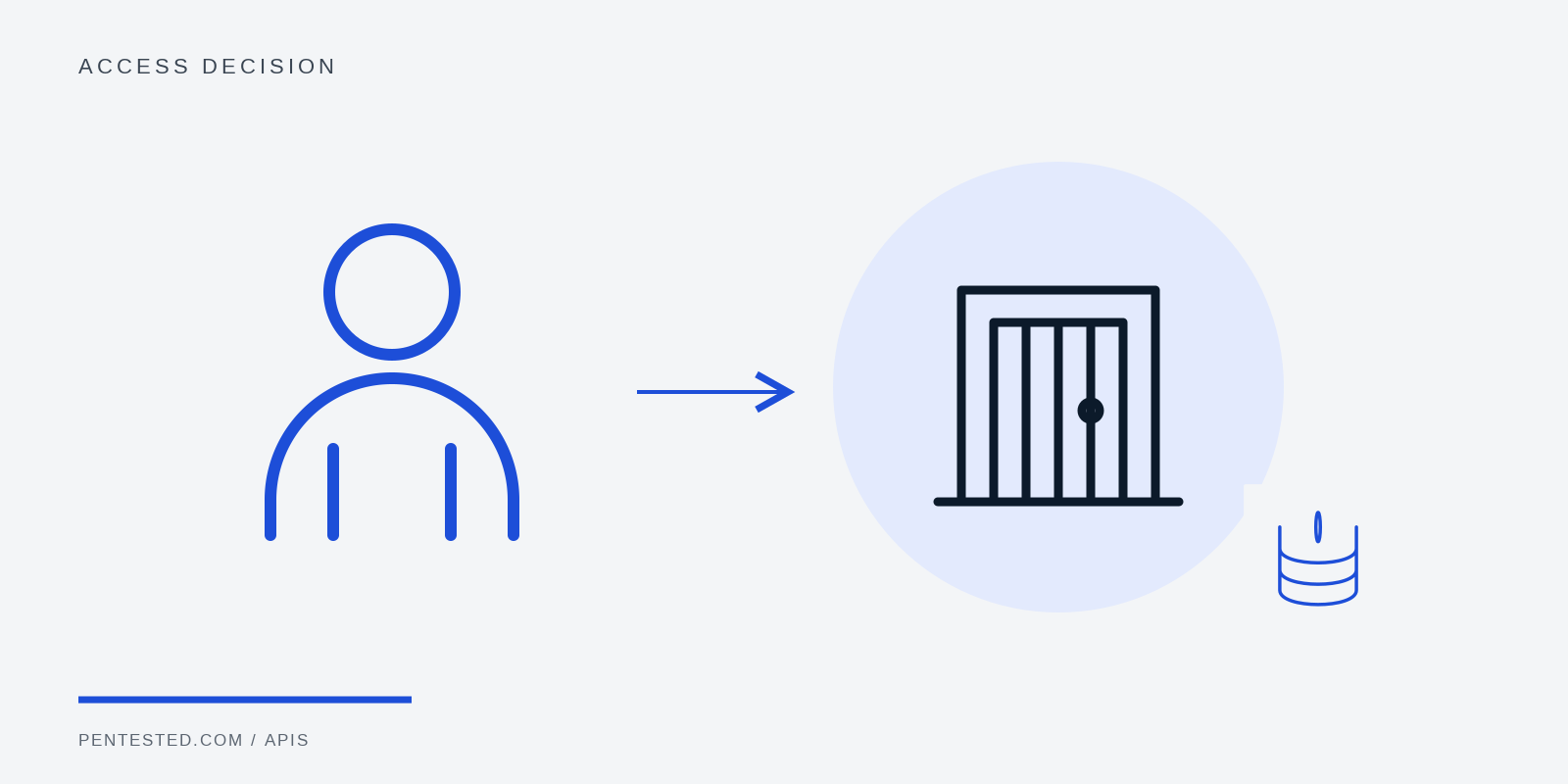
User role security helps establish who should hold each management capability. The application must then enforce those decisions whenever a privileged action is requested, including requests that do not originate from the visible administration screen.
Why it matters
Imagine a booking business gives reception staff access to appointment management. A separate supplier maintenance panel might also exist, with the ability to change service settings or retrieve broader records.
If the business never included that panel in its inventory, responsibility for its protection may be unclear. A retired supplier account or missing permission check could then affect more than the functions staff normally use.
Successful misuse could alter public content, disrupt bookings, create accounts or disclose information. The actual consequence depends on the capability reached and the permissions involved.
A clear report should distinguish a visible login page from a confirmed weakness. It should identify the affected function, the level of access required and the boundary that failed, so the business can prioritise remediation sensibly.
How penetration testers check for it
- Identify management interfaces within the agreed application and infrastructure scope, comparing discovered functions with the business's inventory and intended staff access.
- Review sign-in protection and available management routes, including separate supplier tools and alternative addresses that may apply different restrictions.
- Use authorised accounts with different roles to check whether administrative functions enforce the expected permissions, including actions requested outside the normal interface.
- Explain each confirmed finding in terms of the management capability affected, rather than treating every reachable sign-in page as evidence of compromise.
How to fix it
- Inventory management interfaces and give each one an owner. Remove unused tools and promptly withdraw access when staff or supplier responsibilities change.
- Require strong staff authentication, including multi-factor authentication where supported. Combine the password with another factor, such as a security key or an authenticator app.
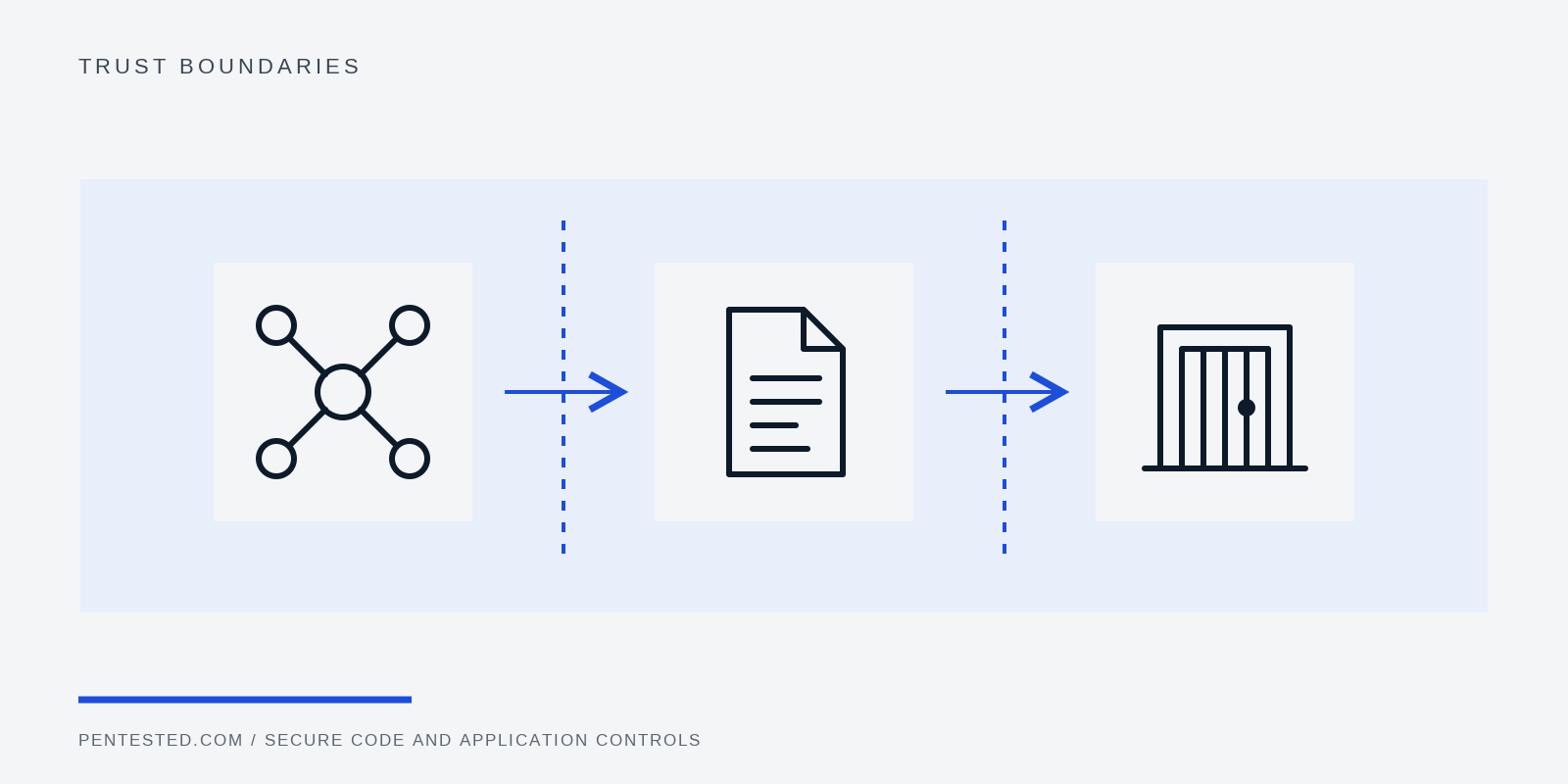
- Limit reach through approved management networks or an access service that verifies staff identity before connecting. Confirm that direct server addresses cannot sidestep that entrance.
- Enforce permissions on every management action and record important changes. Separate routine staff accounts from powerful maintenance roles and review their access regularly.
Retest the function as well as the sign-in screen. Strong protection at the visible entrance does not establish that every supporting management request receives the same checks.
Related issues
- How network security configuration affects your website
- Web server configuration mistakes that expose your data
- Broken function-level authorisation in APIs
Read about our methodology or contact pentested.com to discuss testing for your website.