Secure credential provider and password manager integration
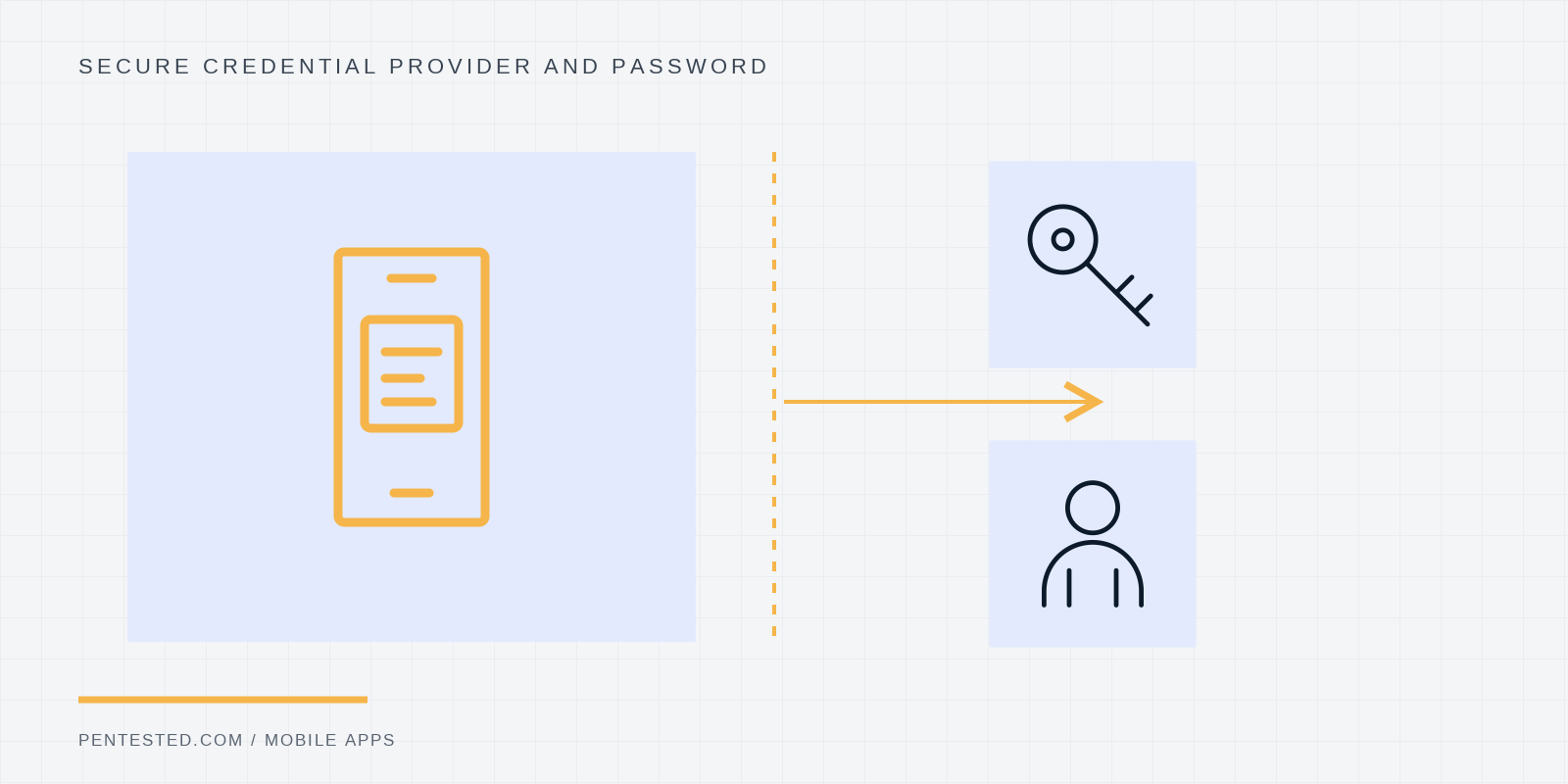
Password managers improve access security when applications expose fields and authentication flows correctly. Understanding secure credential provider and password manager integration helps establish which security property the feature needs and where that property is actually enforced.
What does this involve?
Authentication establishes who is making a request and the strength and freshness of that evidence. Enrolment, recovery, alternate channels and changes to authenticators are part of the same boundary. An impressive login screen provides little assurance if another path grants equivalent access with weaker checks.
Why it matters
Consider a realistic failure: an app blocks credential autofill and encourages users to choose shorter, memorable passwords.
Account access can lead to disclosure, unwanted changes or misuse of a trusted identity. The consequence depends on the account's permissions and the actions available after authentication, rather than the appearance of the login mechanism.
Mobile behaviour can change between a fresh installation, an authenticated session, background activity and a device migration. The assessment needs the actual release and representative supported device states.
How penetration testers check for it
Check supported credential providers, field semantics and trusted domain associations.
- Map normal, alternate and recovery authentication journeys.
- Compare verification across supported identities and application states.
- Check expiry, reuse and the binding of challenges to their intended action.
- Follow successful authentication into the operation that trusts it.
How to fix it
Use platform credential interfaces without exposing stored credentials to unnecessary application paths.
- Apply consistent verification at trusted boundaries.
- Protect enrolment, replacement and recovery as carefully as login.
- Require appropriate fresh evidence for sensitive changes.
- Record important authentication events without retaining secrets.
Authentication and authorisation answer different questions. Establishing identity does not grant unrestricted permission to records or privileged functions.
Recheck the changed behaviour against the original failure conditions and the legitimate user journey. Keep enough evidence to show which release and configuration were verified, and include related entry points that depend on the same security decision.
Related issues
- Auditing password rules, verification and credential storage
- Implementing password hashing and credential upgrades
- Android content provider data access and injection risks
Read about our methodology or contact pentested.com to discuss your mobile applications.