Mobile permission requests and least privilege
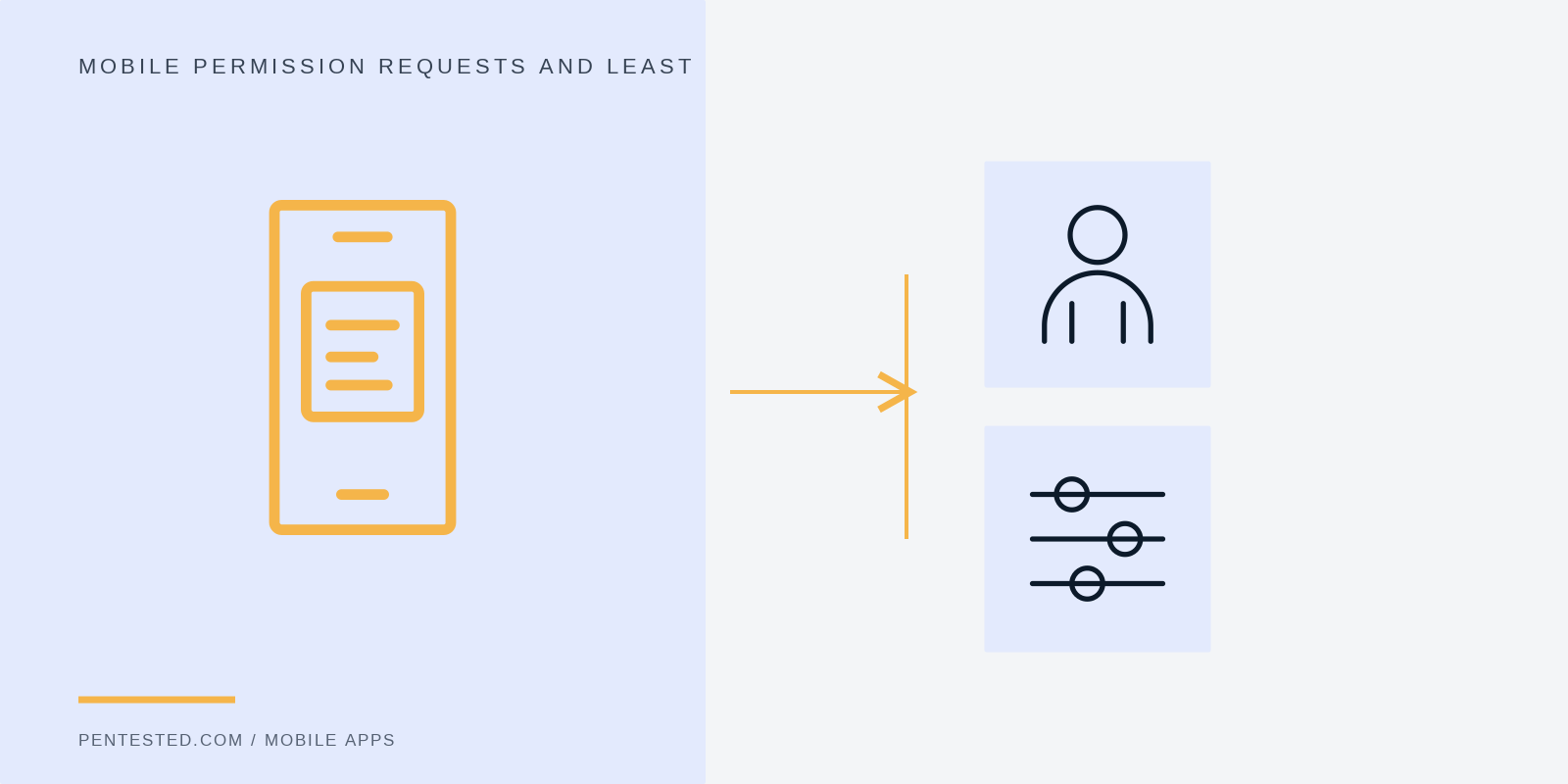
Permissions should match features the user chooses to use. Understanding mobile permission requests and least privilege helps establish which security property the feature needs and where that property is actually enforced.
What does this involve?
Privacy controls need an accurate account of what information is collected, where it goes and how long it remains useful. Interface choices and declarations should match the behaviour of the actual release, including third-party components and background processing.
In Android apps, permissions are acquired through different methods to access information and system functionalities, including the camera, location, or storage. The necessary permissions are specified in the AndroidManifest.xml file with tags.
Context is essential when evaluating permissions. For example, an app that uses the camera to scan QR codes should have the CAMERA permission. However, if the app does not have a camera feature, the permission is unnecessary and should be removed.
Why it matters
Consider a realistic failure: a simple document viewer requests contacts and location at startup.
Unexpected collection or ineffective user controls can expose personal information and undermine trust in the service. Technical testing should establish observable data handling and the effect of user choices without promising that a single check proves legal compliance.
Mobile behaviour can change between a fresh installation, an authenticated session, background activity and a device migration. The assessment needs the actual release and representative supported device states.
How penetration testers check for it
Compare requested permissions, actual APIs and consent timing for each feature.
- Inspect the keyboard extension's Info.plist for the RequestsOpenAccess key under NSExtension > NSExtensionAttributes.
- Whether the keyboard transmits the characters it receives (for example, in insertText(:) or textDidChange(:) handlers) when hasFullAccess is true.
- Whether the data it transmits or stores is sensitive.
- Whether Full Access is required by a user-facing feature, or requested without a justifying use.
- Test refusal, withdrawal, deletion and account transitions.
- Review integrated components and retained copies.
How to fix it
Request minimal access when needed and handle refusal without unsafe workarounds.
- Collect and retain only what the service needs.
- Use protective defaults and understandable controls.
- Enforce current user choices across relevant data flows.
- Keep the data inventory and public descriptions aligned with releases.
Privacy notices and technical controls work together. Accurate wording cannot fix unnecessary collection, and a configuration flag does not prove that every data recipient follows it.
Recheck the changed behaviour against the original failure conditions and the legitimate user journey. Keep enough evidence to show which release and configuration were verified, and include related entry points that depend on the same security decision.
Related issues
- Configuring application database access with least privilege
- Implementing authenticated and least-privilege MCP services
- Implementing least privilege and safe event handling in serverless functions
Read about our methodology or contact pentested.com to discuss your mobile applications.