Configuring application database access with least privilege
Configuring application database access with least privilege connects a security requirement to the behaviour of a real feature. The relevant controls need to remain effective across custom code, integrations and the production configuration. Understanding application database access with least privilege helps establish which security property the feature needs and where that property is actually enforced.
What does this involve?
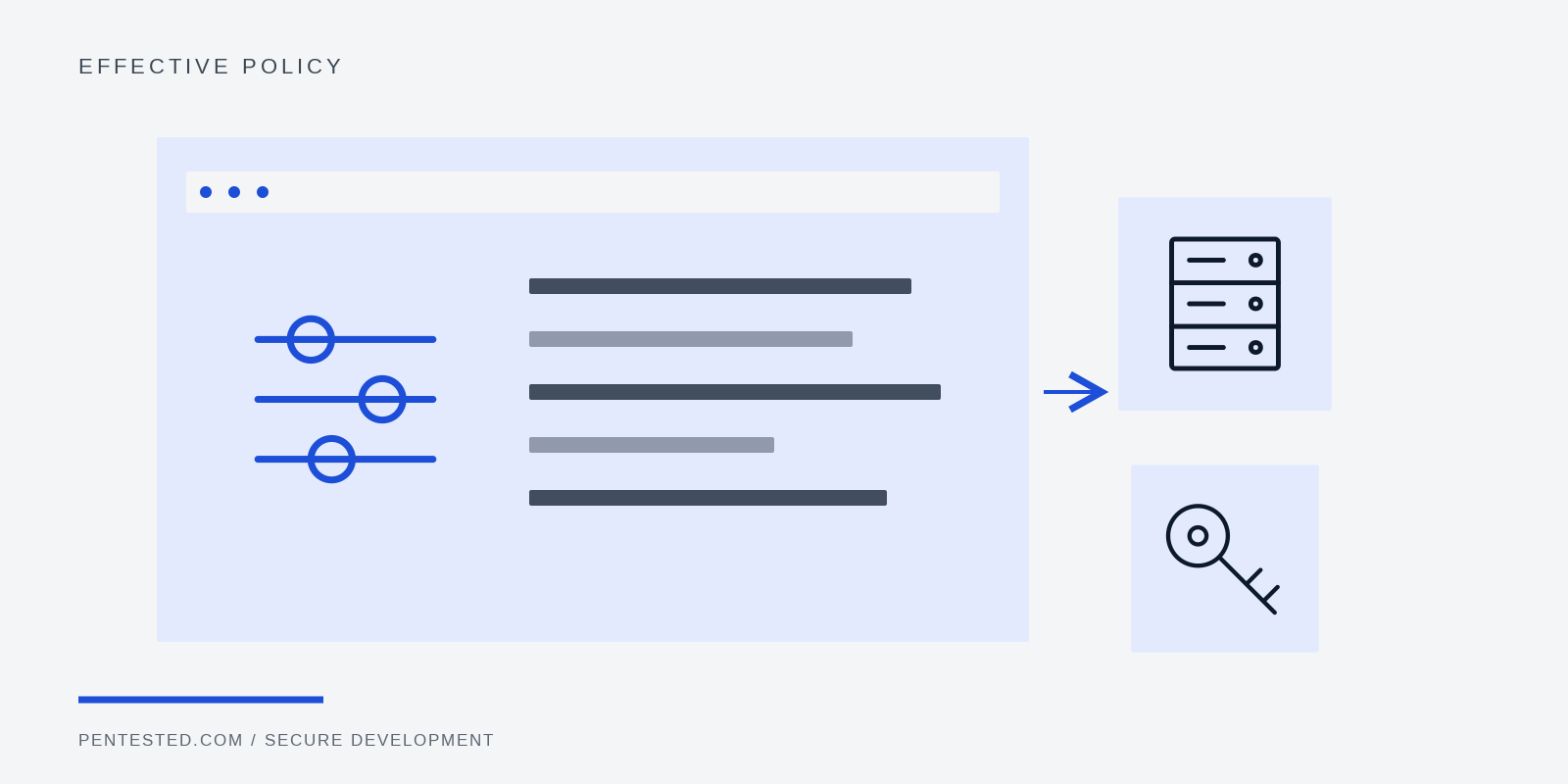
Configuration can change an application's security boundary without changing its business code. Effective production values, inherited defaults, exposed services and operational interfaces need to be assessed together rather than as isolated files.
The application's backend database should be isolated from other servers and only connect with as few hosts as possible. This task will depend on the system and network architecture. Consider these suggestions:
When an application is running on an untrusted system (such as a thick-client), it should always connect to the backend through an API that can enforce appropriate access control and restrictions. Direct connections should never be made from a thick client to the backend database.
Why it matters
Consider a realistic failure: an application database account can perform administrative operations unrelated to its normal queries.
A permissive setting can expose private information or administrative capabilities through a route the application owner did not expect. The consequence depends on how the service is actually deployed and which identities can reach it.
Implementation guidance should be applied to a real feature and its deployment. Framework defaults, custom handlers and integrated services all influence whether the intended protection remains effective.
How penetration testers check for it
Trace the relevant feature from its entry point to the data or operation it protects, including custom code and alternate paths.
- Review effective production settings and inherited defaults.
- Identify exposed management and diagnostic interfaces.
- Trace secret and connection configuration to its use.
- Compare configured policy with observed behaviour.
How to fix it
Use the appropriate maintained mechanisms and verify the result in the actual production configuration.
- Disabling network (TCP) access and requiring all access is over a local socket file or named pipe.
- Placing the database server on a dedicated internal network segment that is isolated from the application server.
- Protect any web-based management tools (e.g., phpMyAdmin, pgAdmin) with authentication, HTTPS, and network restrictions.
- Configure the database to only allow encrypted connections.
- Protect secrets and remove unnecessary diagnostic exposure.
- Check configuration drift during deployment and maintenance.
A setting should be interpreted in its environment. A deliberately public resource and an unintended private exposure can look similar until ownership, purpose and reachable operations are established.
Recheck the changed behaviour against the original failure conditions and the legitimate user journey. Keep enough evidence to show which release and configuration were verified, and include related entry points that depend on the same security decision.
Related issues
- Implementing authenticated and least-privilege MCP services
- Implementing safe NoSQL queries and database access
- Implementing least privilege and safe event handling in serverless functions
Read about our methodology or contact pentested.com to discuss secure development and code review.