Mobile backups that expose private app data
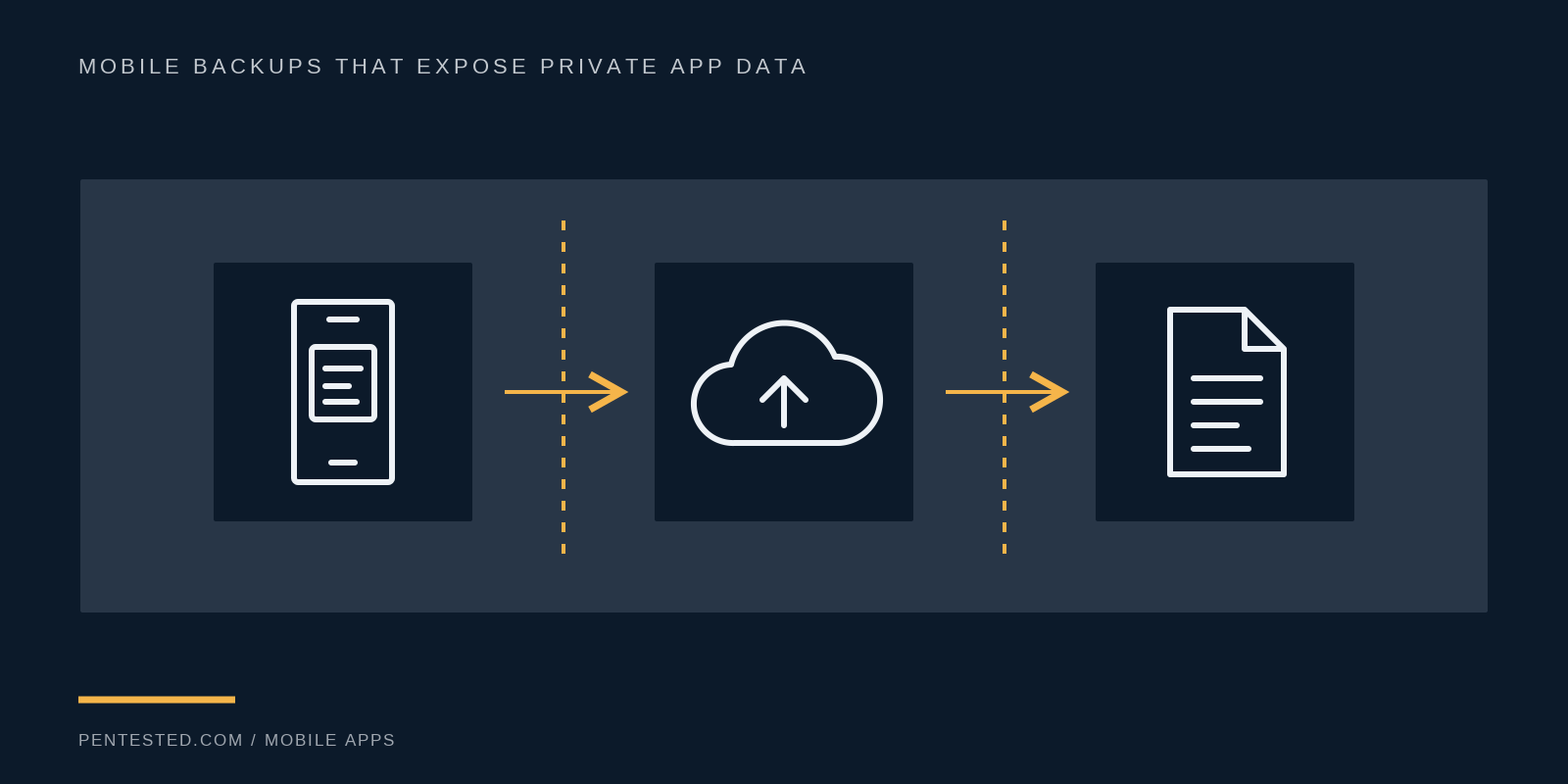
Backups can copy information outside the protection assumptions of the running application. Understanding mobile backups that expose private app data helps establish which security property the feature needs and where that property is actually enforced.
What does this involve?
Storage security concerns the copies that remain after an operation has finished. Files, databases, caches and exports can have different access rules and retention periods. A protected main database does not automatically protect a temporary copy or a restored backup.
Android provides a way to start the backup daemon to back up and restore app files, which you can use to verify which files are actually restored from the backup.
In the AndroidManifest.xml file, the allowBackup flag controls whether the app's data can be backed up. In addition, the fullBackupContent attribute (for Android 11 or lower) or the dataExtractionRules attribute (for Android 12 and higher) can be used to reference XML files that specify which files should be included or excluded from backups using the exclude tag. The files are typically named:
Why it matters
Consider a realistic failure: a device migration restores an old authentication token onto another phone.
Exposure can involve private records, reusable credentials or information that identifies a customer. The practical impact depends on which copy is accessible, the access an attacker needs and whether the recovered material remains useful.
Mobile behaviour can change between a fresh installation, an authenticated session, background activity and a device migration. The assessment needs the actual release and representative supported device states.
How penetration testers check for it
Test actual backup and restoration behaviour rather than relying on a configuration flag.
- Launch and use the app going through the various workflows while inputting sensitive data wherever you can.
- whether the allowBackup flag is set to true or false. If the flag is not specified, it is treated as true by default.
- whether the fullBackupContent and/or dataExtractionRules attributes are present in the AndroidManifest.xml.
- Exercise the app extensively to trigger as many flows as possible and enter sensitive data wherever you can.
- Check temporary copies, exports, backups and deletion behaviour.
- Establish whether recovered information grants any further access.
How to fix it
Exclude sensitive material and design restored applications to re-establish trusted access.
- Retain only the information needed for the service.
- Separate private working data from deliberately shared content.
- Protect encryption keys independently of encrypted files.
- Verify removal and recovery behaviour against the intended lifecycle.
Encryption is one part of the design. It cannot compensate for an application that willingly returns plaintext to an unauthorised caller.
Recheck the changed behaviour against the original failure conditions and the legitimate user journey. Keep enough evidence to show which release and configuration were verified, and include related entry points that depend on the same security decision.
Related issues
- Encrypting private mobile app storage
- Deep links that expose sensitive mobile functions
- Private mobile data exposed in notifications
Read about our methodology or contact pentested.com to discuss your mobile applications.