Deep links that expose sensitive mobile functions
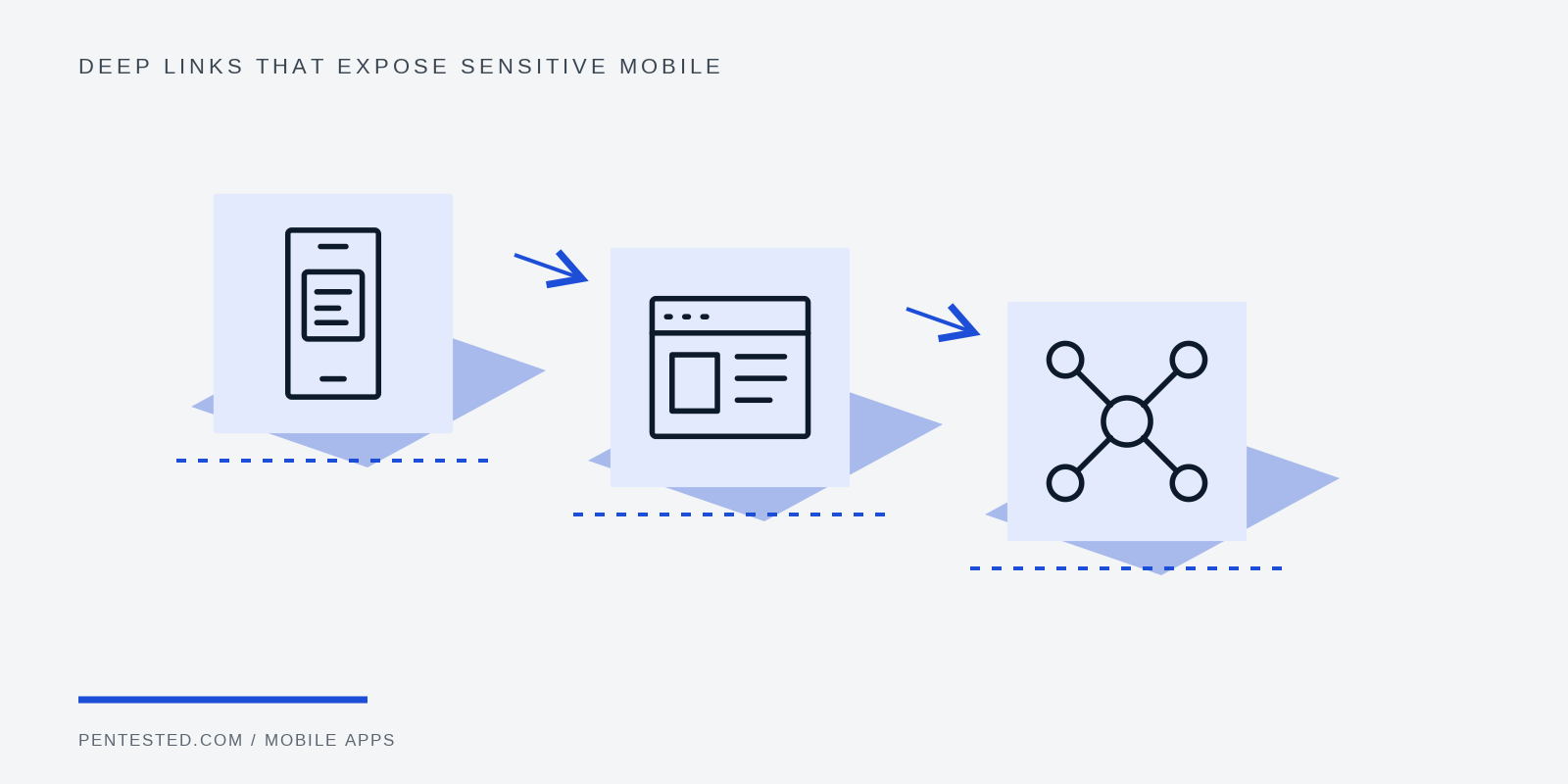
A deep link becomes a security boundary when an external URL selects a protected app action. Understanding deep links that expose sensitive mobile functions helps establish which security property the feature needs and where that property is actually enforced.
What does this involve?
Browser security is influenced by origins, embedded content, messaging and the way returned data is interpreted. A server can make a correct decision while client-side code later exposes the result to an unintended page or execution context.
Android App Links are http/https deep links that the OS verifies against a website's Digital Asset Links file before routing them to the app. An app opts into this verification by setting android:autoVerify="true" on the that declares the deep link in the AndroidManifest.xml.
When a deep link declares an http/https scheme (together with the android.intent.action.VIEW action and the android.intent.category.BROWSABLE category) but is missing the android:autoVerify="true" attribute, Android cannot confirm the app's ownership of the declared domain. A malicious app can register the same intent filter and intercept the deep links, enabling phishing, credential theft, or hijacking of user actions.
Why it matters
Consider a realistic failure: a crafted link opens an account operation using parameters supplied by another application.
A browser trust failure can affect signed-in users, private responses or actions taken with a user's session. The assessment should identify the relevant browser behaviour and the server-side permissions that remain in force.
Mobile behaviour can change between a fresh installation, an authenticated session, background activity and a device migration. The assessment needs the actual release and representative supported device states.
How penetration testers check for it
Review link ownership, parameter parsing, authentication state and user confirmation.
- myapp://open?path=../../data/sensitive.txt for path traversal if the value is used in file operations.
- myapp://search?q=alert(1) for script injection if the value is rendered in a WebView.
- Missing type conversion: a numeric parameter is used as a raw string without converting it (e.g., not calling toLong or toInt).
- Missing bounds or range checks: the value is used without verifying it falls within an expected range.
- Trace untrusted data into rendering and navigation.
- Check credentialed requests and sensitive state changes.
How to fix it
Validate links and authorise the resulting operation independently of how the app was opened.
- Keep trusted and untrusted content in appropriate contexts.
- Use safe rendering and precisely scoped browser policies.
- Validate messaging origins and intended recipients.
- Retain independent server-side identity and permission checks.
A policy finding needs application context. The absence of a particular header or browser feature is not, by itself, proof that protected data can be accessed.
Recheck the changed behaviour against the original failure conditions and the legitimate user journey. Keep enough evidence to show which release and configuration were verified, and include related entry points that depend on the same security decision.
Related issues
- Native mobile functions exposed through WebView bridges
- Sensitive mobile data remaining after logout
- Sensitive information exposed in mobile screens
Read about our methodology or contact pentested.com to discuss your mobile applications.