Debug symbols and test artefacts in mobile releases
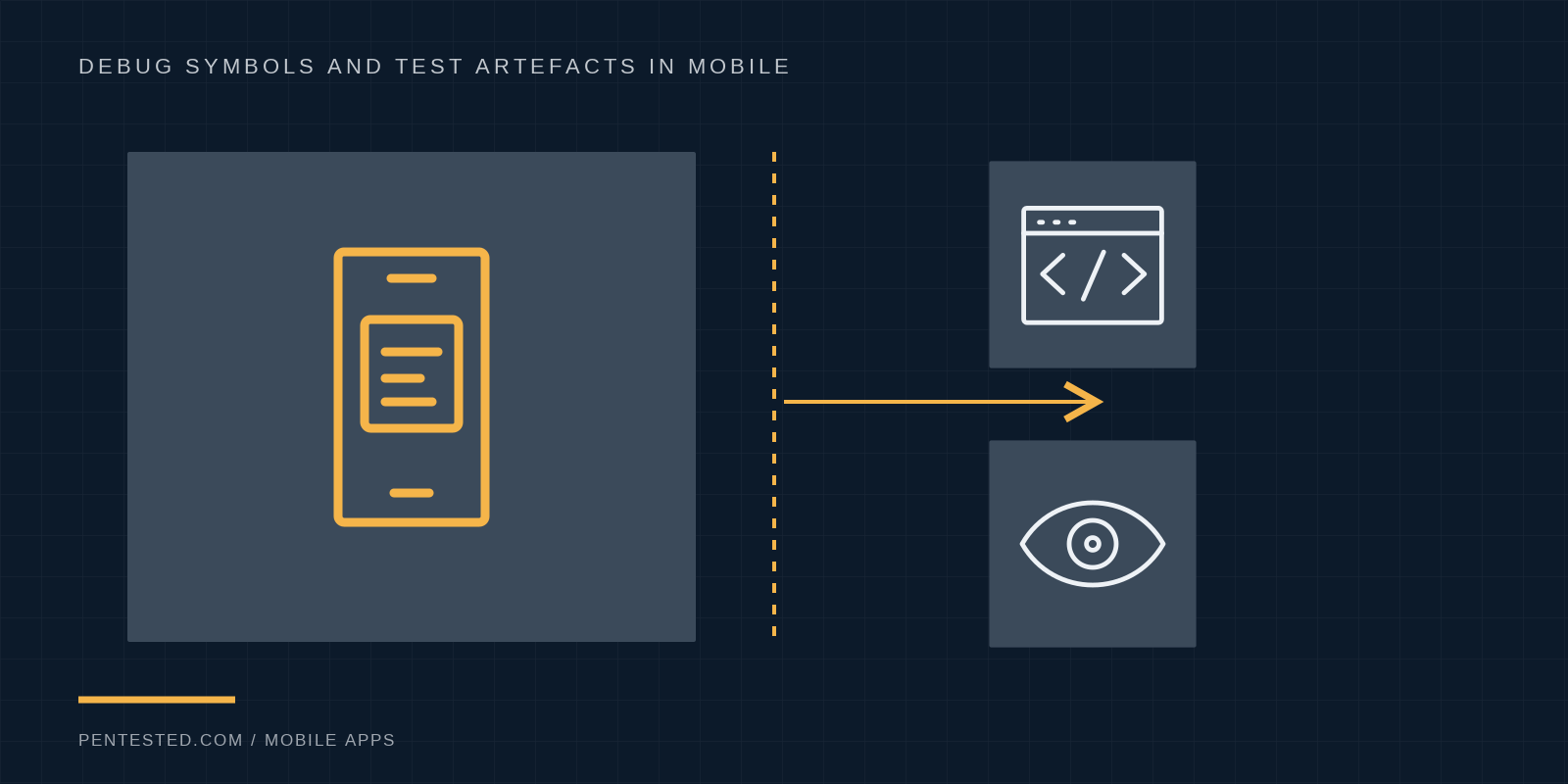
Debug artefacts can reveal implementation details and make analysis easier. Understanding debug symbols and test artefacts in mobile releases helps establish which security property the feature needs and where that property is actually enforced.
What does this involve?
Resilience measures can make inspection, modification or misuse more difficult under a defined threat model. They are supplementary controls around an application that still needs sound server permissions, protected keys and safe handling of untrusted information.
While StrictMode is useful for developers to log policy violations such as disk I/O or network operations during development, it can expose sensitive implementation details in the logs that could be exploited by attackers.
Why it matters
Consider a realistic failure: a production package includes verbose symbols and test-only configuration.
The value of a resilience weakness depends on what analysis or modification enables. Revealing ordinary client code is different from obtaining a privileged credential or making the service trust a forged security decision.
Mobile behaviour can change between a fresh installation, an authenticated session, background activity and a device migration. The assessment needs the actual release and representative supported device states.
How penetration testers check for it
Review release artefacts and distinguish useful diagnostic metadata from exploitable exposure.
- Exercise the app extensively to trigger as many flows as possible and enter sensitive data wherever you can.
- Observe the effect on protected operations and server decisions.
- Distinguish increased analysis effort from enforced security boundaries.
How to fix it
Use a controlled release build and limit unnecessary internal and test material.
- Remove secrets and unnecessary authority from distributed clients.
- Use proportionate maintained platform protections.
- Bind important assertions to trusted verification.
- Plan safe failure, recovery and legitimate user support.
Root detection, obfuscation and similar measures are not universal requirements for every application. A finding should explain why the particular control matters to the assessed product.
Recheck the changed behaviour against the original failure conditions and the legitimate user journey. Keep enough evidence to show which release and configuration were verified, and include related entry points that depend on the same security decision.
Related issues
- When application-layer payload encryption benefits mobile apps
- Protecting sensitive resources inside mobile packages
- Debuggable mobile builds and exposed debugging services
Read about our methodology or contact pentested.com to discuss your mobile applications.