Unsafe file upload and download APIs
File APIs combine permission, content interpretation and storage boundaries. Understanding unsafe file upload and download APIs helps establish which security property the feature needs and where that property is actually enforced.
What does this involve?
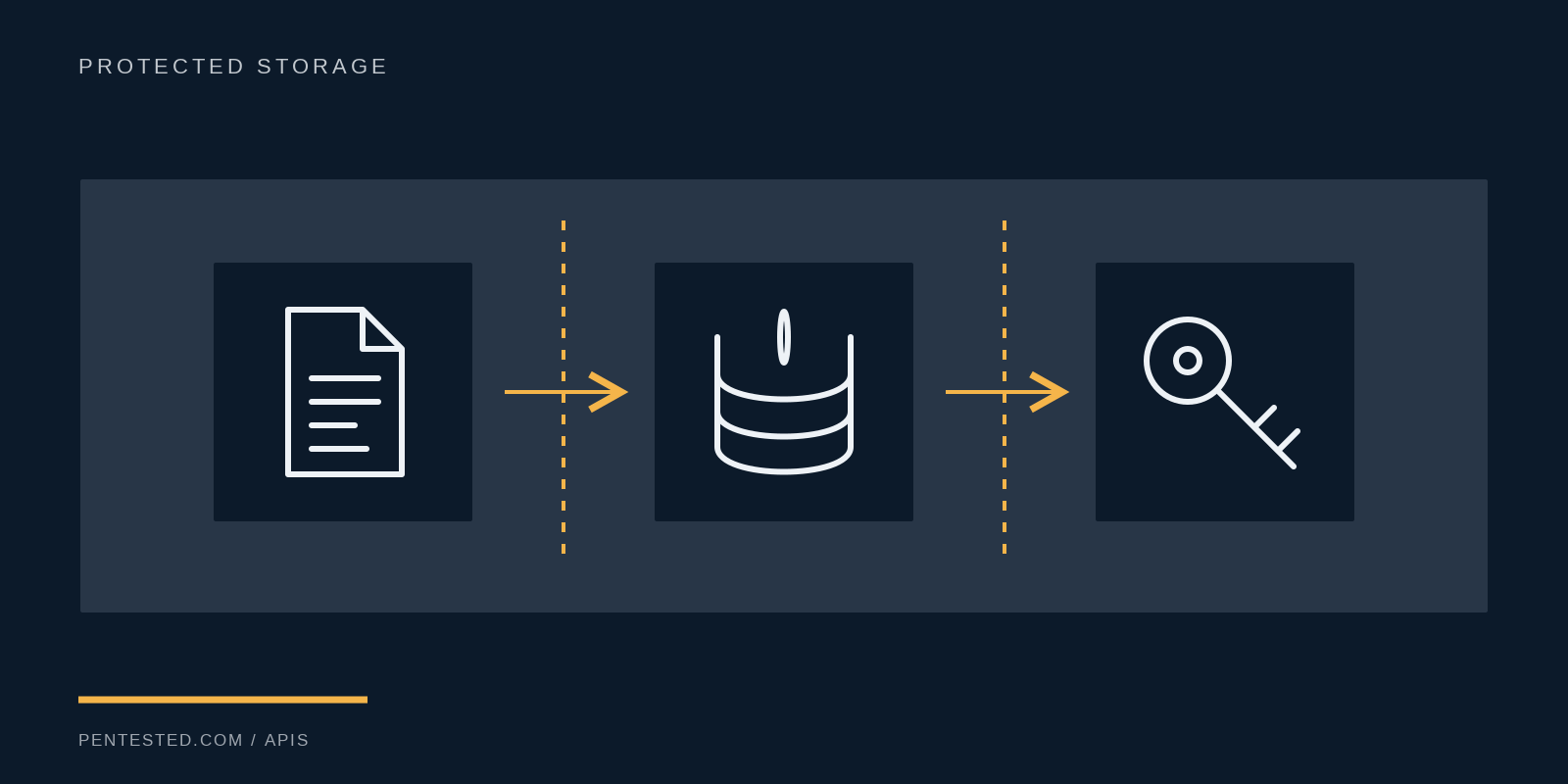
Storage security concerns the copies that remain after an operation has finished. Files, databases, caches and exports can have different access rules and retention periods. A protected main database does not automatically protect a temporary copy or a restored backup.
This section includes a requirement to document the expected characteristics of files accepted by the application, as a necessary precondition for developing and verifying relevant security checks.
File upload functionality is a primary source of untrusted files. This section outlines the requirements for ensuring that the presence, volume, or content of these files cannot harm the application.
Why it matters
Consider a realistic failure: a permitted upload is later executed or downloaded by another user without the expected checks.
Exposure can involve private records, reusable credentials or information that identifies a customer. The practical impact depends on which copy is accessible, the access an attacker needs and whether the recovered material remains useful.
An API review follows the server-side behaviour behind the interface. Direct requests, alternate methods and background operations can reveal boundaries that the normal frontend journey does not exercise.
How penetration testers check for it
Follow uploads through validation, processing, storage and download.
- Confirm that the documentation defines the permitted file types, expected file extensions, and maximum size (including unpacked size) for each upload feature. Additionally, ensure that the documentation specifies how files are made safe for end-users to download and process, such as how the application behaves when a malicious file is detected.
- Confirm that the application will only accept files of a size which it can process without causing a loss of performance or a denial of service attack.
- Confirm that when the application accepts a file, either on its own or within an archive such as a zip file, it checks if the file extension matches an expected file extension and validates that the contents correspond to the type represented by the extension.
- Confirm that the application checks compressed files against maximum allowed uncompressed size and against maximum number of files before uncompressing the file.
- Confirm that a file size quota and maximum number of files per user are enforced to ensure that a single user cannot fill up the storage with too many files, or excessively large files.
- Confirm that the application does not allow uploading compressed files containing symlinks unless this is specifically required (in which case it will be necessary to enforce an allowlist of the files that can be symlinked to).
- Confirm that the application rejects uploaded images with a pixel size larger than the maximum allowed, to prevent pixel flood attacks.
- Confirm that files uploaded or generated by untrusted input and stored in a public folder, are not executed as server-side program code when accessed directly with an HTTP request.
- Confirm that when the application creates file paths for file operations, instead of user-submitted filenames, it uses internally generated or trusted data, or if user-submitted filenames or file metadata must be used, strict validation and sanitization must be applied. This is to protect against path traversal, local or remote file inclusion (LFI, RFI), and server-side request forgery (SSRF) attacks.
- Confirm that server-side file processing, such as file decompression, ignores user-provided path information to prevent vulnerabilities such as zip slip.
- Confirm that the application validates or ignores user-submitted filenames, including in a JSON, JSONP, or URL parameter and specifies a filename in the Content-Disposition header field in the response.
- Confirm that file names served are encoded or sanitized to preserve document structure and prevent injection attacks.
- Confirm that files obtained from untrusted sources are scanned by antivirus scanners to prevent serving of known malicious content.
- Check temporary copies, exports, backups and deletion behaviour.
- Establish whether recovered information grants any further access.
How to fix it
Keep uploaded content non-executable and enforce ownership and content controls at every stage.
- Retain only the information needed for the service.
- Separate private working data from deliberately shared content.
- Protect encryption keys independently of encrypted files.
- Verify removal and recovery behaviour against the intended lifecycle.
Encryption is one part of the design. It cannot compensate for an application that willingly returns plaintext to an unauthorised caller.
Recheck the changed behaviour against the original failure conditions and the legitimate user journey. Keep enough evidence to show which release and configuration were verified, and include related entry points that depend on the same security decision.
Related issues
- Auditing file download paths, permissions and response handling
- Replacing unsafe DOM APIs in client-side code
- Building secure file upload and processing workflows
Read about our methodology or contact pentested.com to discuss your APIs and integrations.