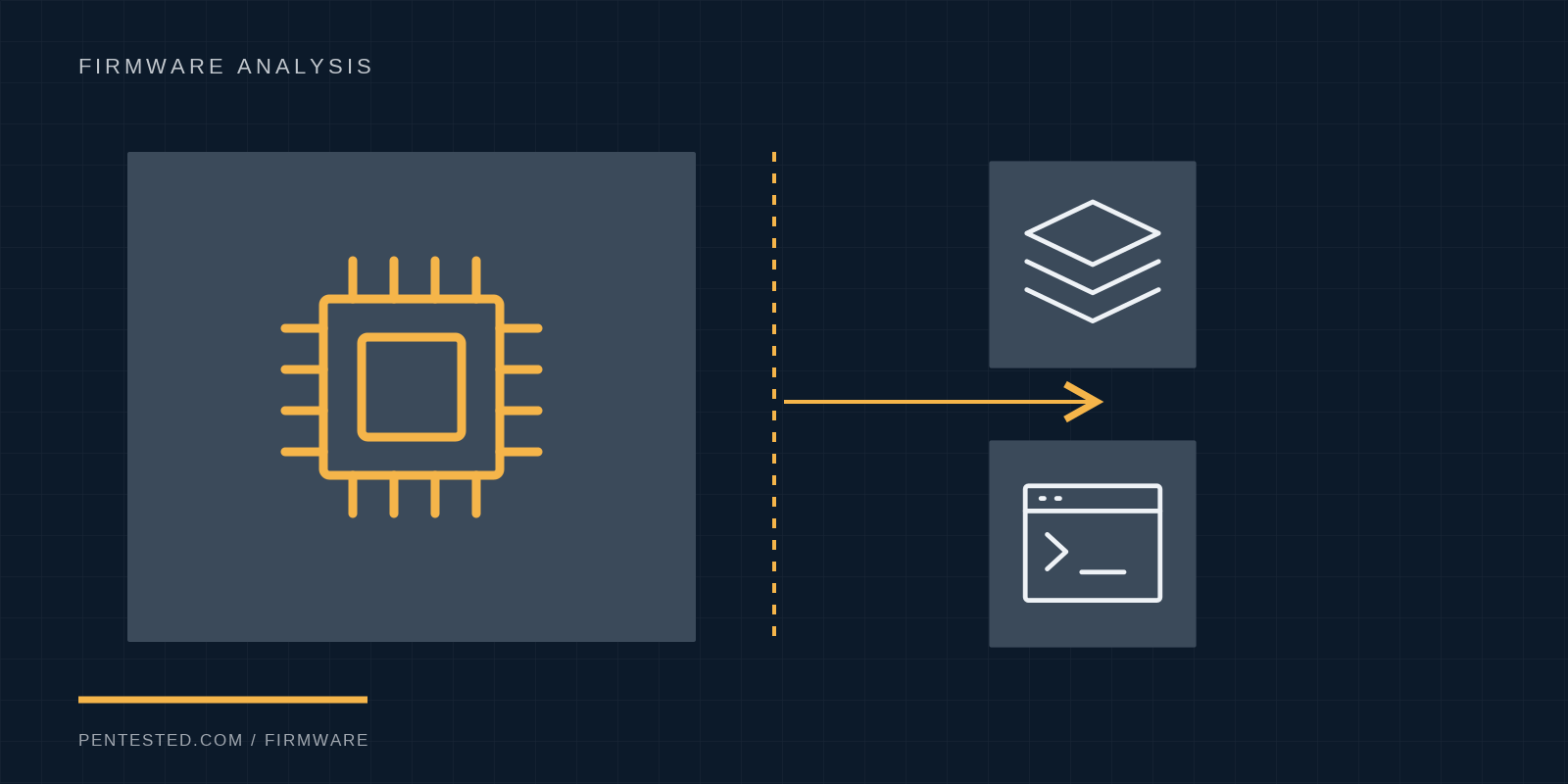
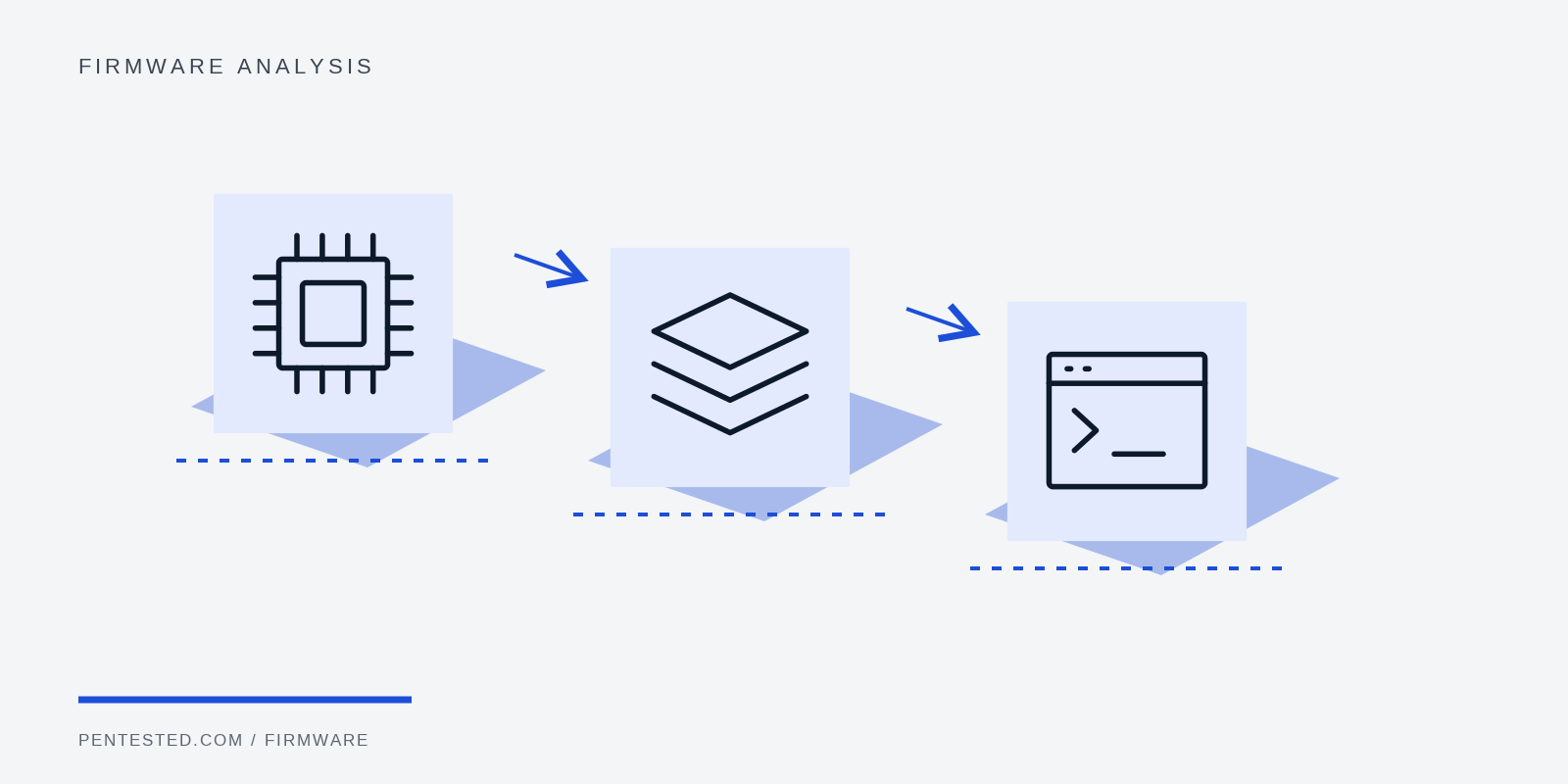
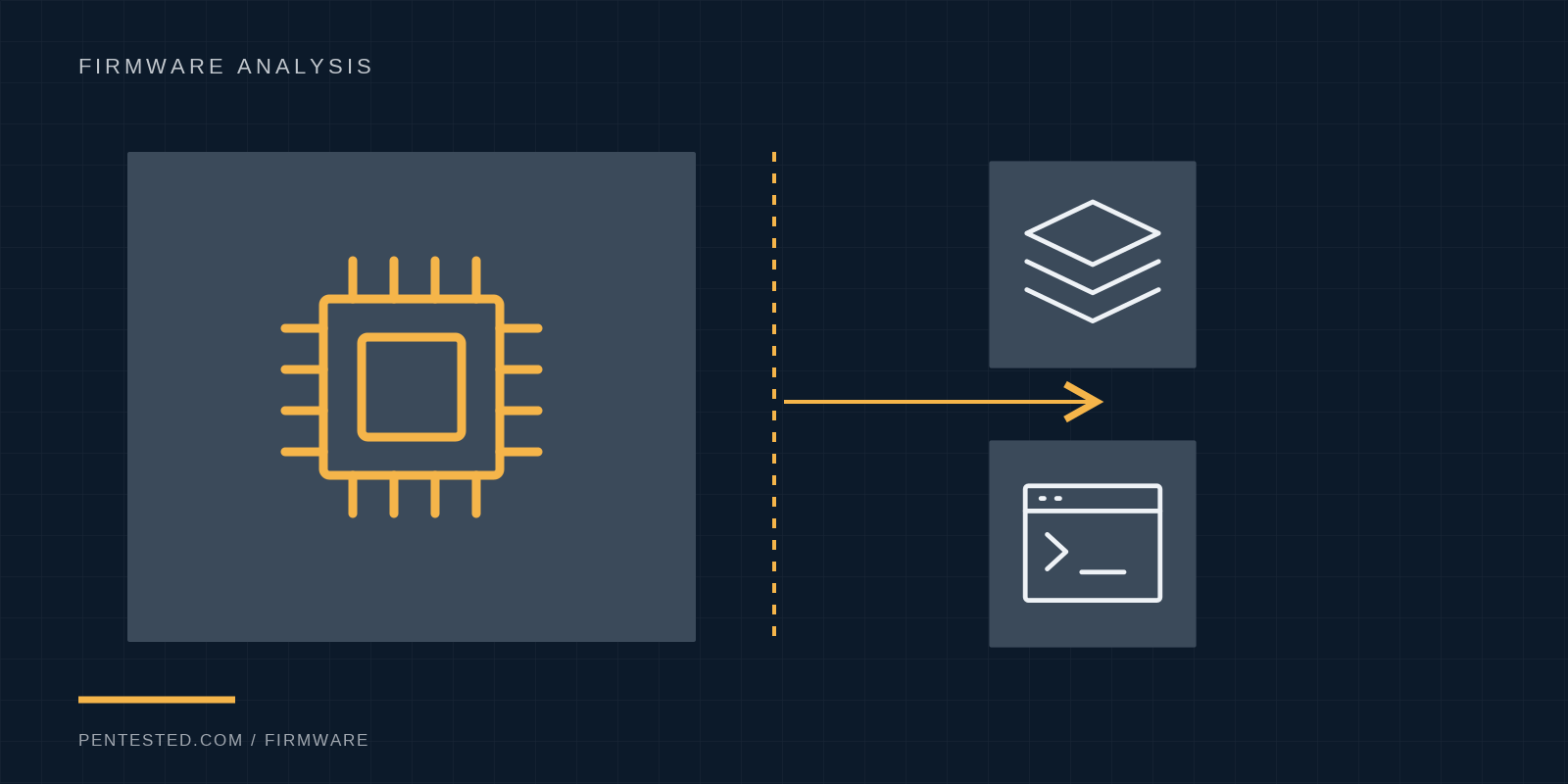
User-mode emulation for firmware service testing
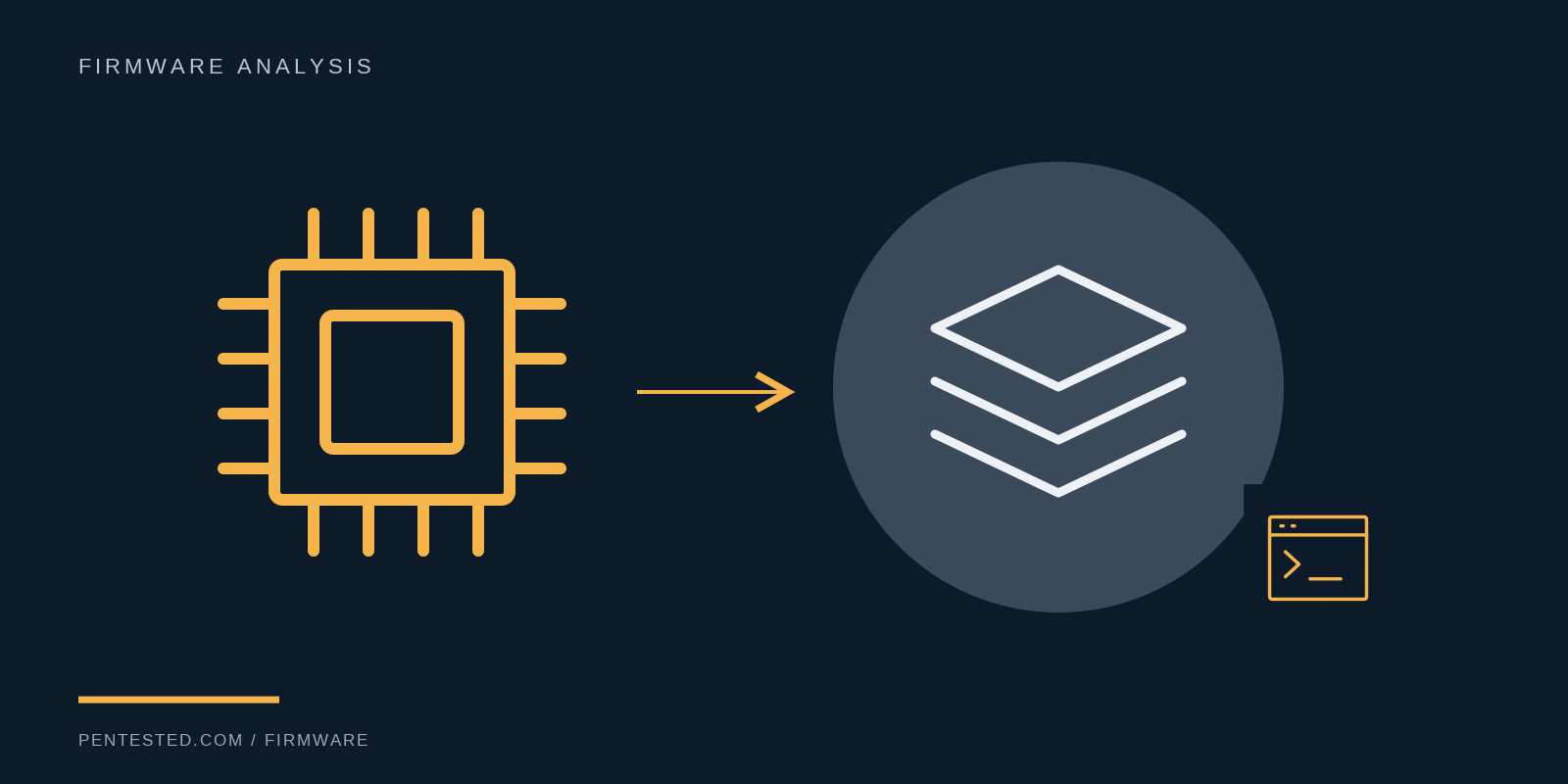
User-mode emulation helps inspect a binary without reproducing the entire device. Understanding user-mode emulation for firmware service testing helps establish which security property the feature needs and where that property is actually enforced.
What does this involve?
Firmware security depends on the relationship between the distributed image, installed configuration and code that actually executes. Offline analysis, emulation and real-device testing provide different kinds of evidence and should be connected before a strong impact claim is made.
Using details and clues identified in previous steps, firmware as well as it’s encapsulated binaries must be emulated to verify potential vulnerabilities. To accomplish emulating firmware, there are a few approaches listed below.
After the CPU architecture and endianness have been identified, locate the appropriate QEMU binary to perform partial emulation \(Not for emulating the full firmware, but binaries with the extracted firmware.\)
Why it matters
Consider a realistic failure: a service appears secure in emulation because a required privileged helper is absent.
A firmware weakness may expose device credentials, permit privileged actions or affect availability. The practical consequence depends on reachable services, execution privileges and the trust placed in the device by other components.
Firmware evidence should identify the image, installed configuration and execution conditions. Static analysis, emulation and hardware testing answer different questions and should support a consistent conclusion.
How penetration testers check for it
Record missing dependencies and compare important behaviour with the real device.
- Record the exact image and device configuration.
- Trace suspicious artefacts into installed and runtime behaviour.
- Review privileges and externally influenced inputs.
- Preserve reproducible evidence and representative recovery conditions.
How to fix it
Use emulation to support analysis and validate consequential conclusions on representative hardware.
- Remove unnecessary code, accounts and capabilities.
- Use safe input handling and narrow privileged interfaces.
- Protect secrets and authenticate relevant executable content.
- Verify fixes in the actual production and recovery artefacts.
A suspicious string or an emulation result is not enough to establish a working compromise. Validate the path and explain any environmental assumptions that affect the conclusion.
Recheck the changed behaviour against the original failure conditions and the legitimate user journey. Keep enough evidence to show which release and configuration were verified, and include related entry points that depend on the same security decision.
Related issues
- Full-system firmware emulation and test environment fidelity
- Sensitive user information retained in installed firmware
- Dealing with missing hardware dependencies in firmware tests
Read about our methodology or contact pentested.com to discuss your firmware and embedded systems.