Identifying firmware architectures, operating systems and components
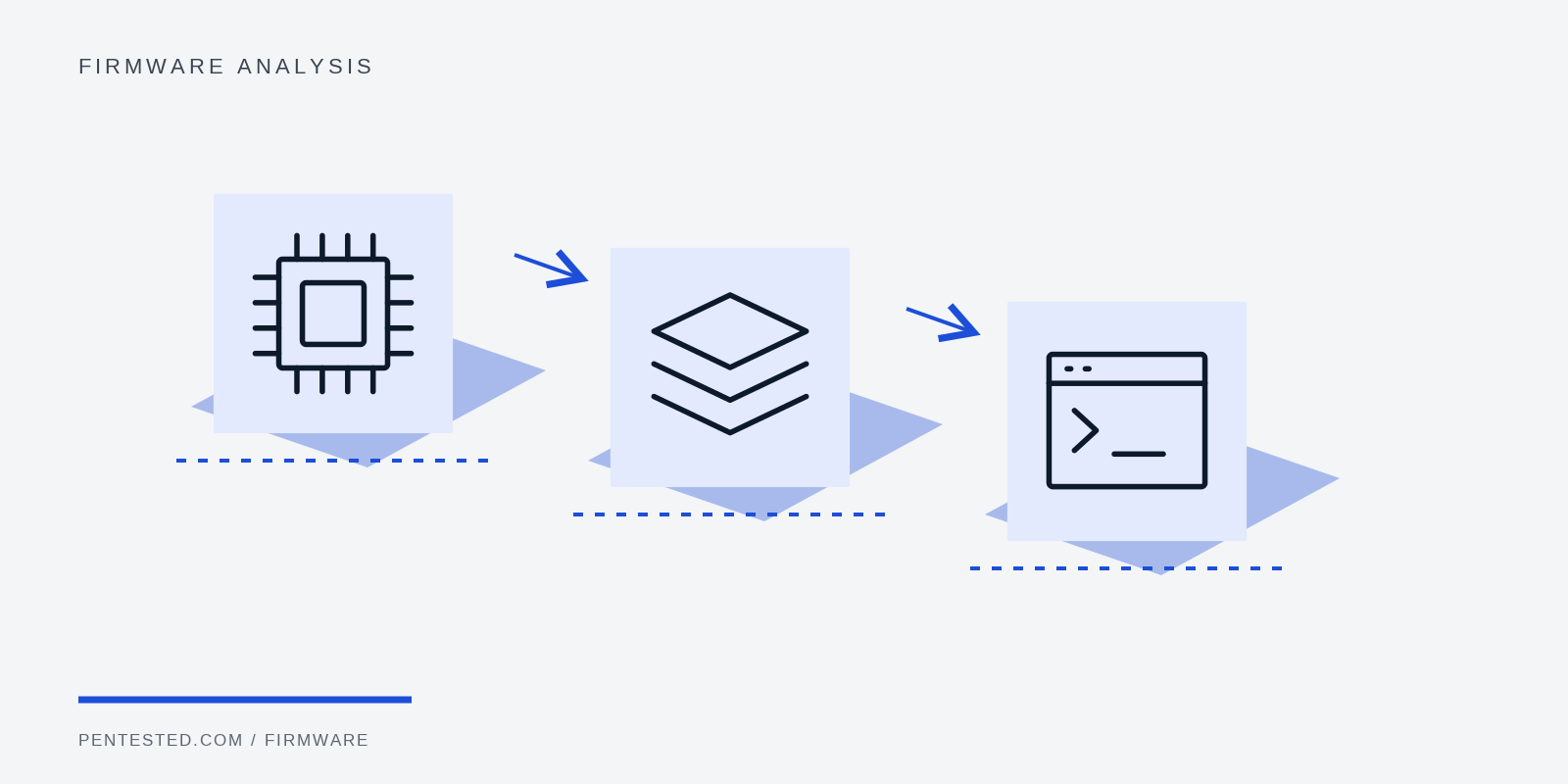
Architecture and component identification determines how an image can be interpreted and which security assumptions apply. Understanding firmware architectures and operating systems and components helps establish which security property the feature needs and where that property is actually enforced.
What does this involve?
Firmware security depends on the relationship between the distributed image, installed configuration and code that actually executes. Offline analysis, emulation and real-device testing provide different kinds of evidence and should be connected before a strong impact claim is made.
The above listed information should be gathered prior to security testing fieldwork via a questionnaire or intake form. Ensure to leverage internal product line development teams to acquire accurate and up to date data. Understand applied security controls as well as roadmap items, known security issues, and most concerning risks. If needed, schedule follow up deep dives on particular features in question. Assessments are most successful within a collaborative environment.
With the information at hand, a light threat model exercise should be performed mapping attack surfaces and impact areas that show the most value in the event of compromise.
Why it matters
Consider a realistic failure: a Linux filesystem is mistaken for the whole device while a separate controller remains unreviewed.
A firmware weakness may expose device credentials, permit privileged actions or affect availability. The practical consequence depends on reachable services, execution privileges and the trust placed in the device by other components.
Firmware evidence should identify the image, installed configuration and execution conditions. Static analysis, emulation and hardware testing answer different questions and should support a consistent conclusion.
How penetration testers check for it
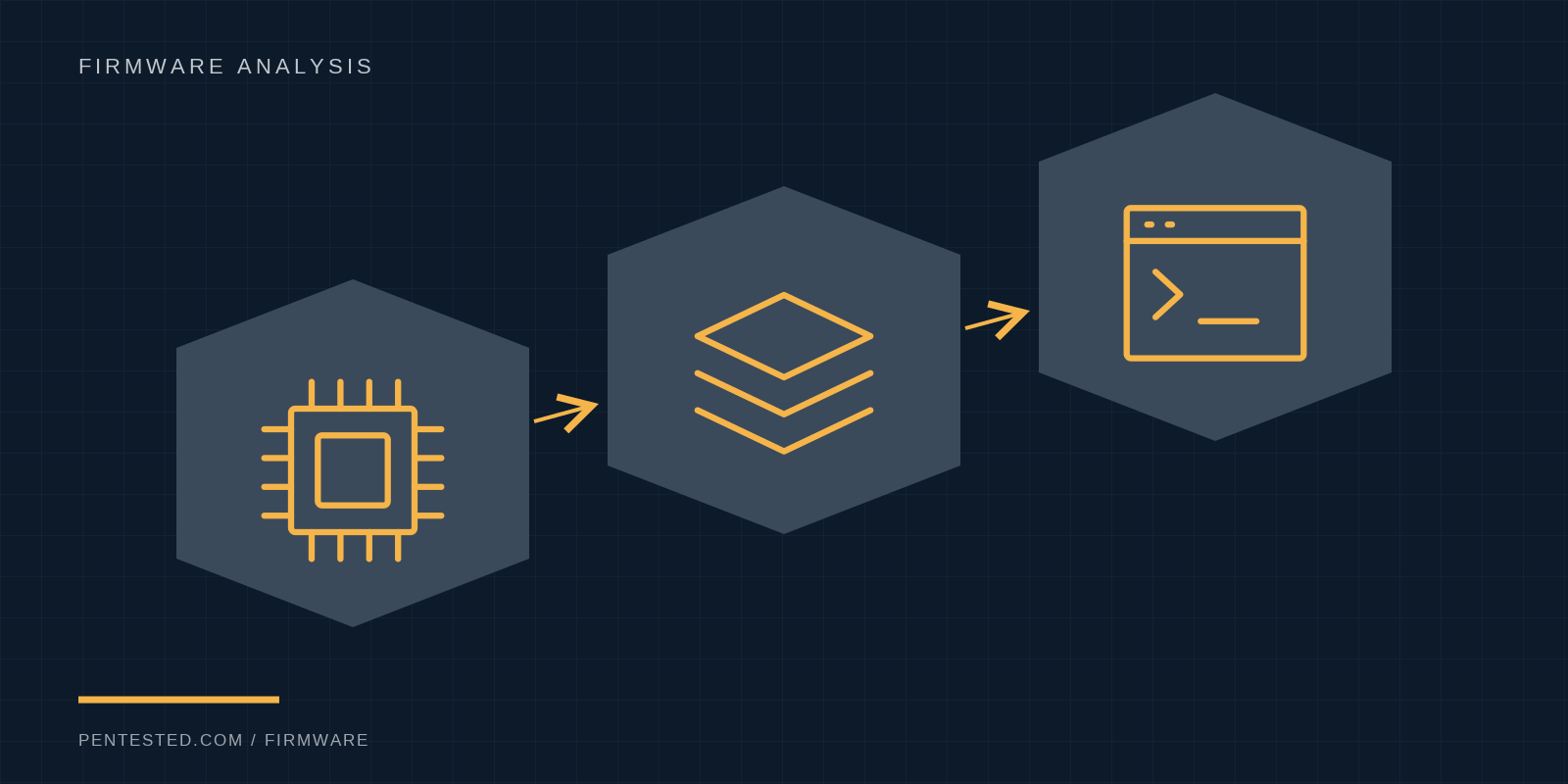
Identify CPU families, operating systems, boot components and software versions.
- Record the exact image and device configuration.
- Trace suspicious artefacts into installed and runtime behaviour.
- Review privileges and externally influenced inputs.
- Preserve reproducible evidence and representative recovery conditions.
How to fix it
Maintain an accurate component inventory and map security ownership across processors and services.
- Remove unnecessary code, accounts and capabilities.
- Use safe input handling and narrow privileged interfaces.
- Protect secrets and authenticate relevant executable content.
- Verify fixes in the actual production and recovery artefacts.
A suspicious string or an emulation result is not enough to establish a working compromise. Validate the path and explain any environmental assumptions that affect the conclusion.
Recheck the changed behaviour against the original failure conditions and the legitimate user journey. Keep enough evidence to show which release and configuration were verified, and include related entry points that depend on the same security decision.
Related issues
- Outdated firmware components and embedded software inventories
- Comparing firmware releases to understand security changes
- Firmware assessment scope, device models and trust boundaries
Read about our methodology or contact pentested.com to discuss your firmware and embedded systems.