Preserving firmware evidence and reproducible analysis inputs
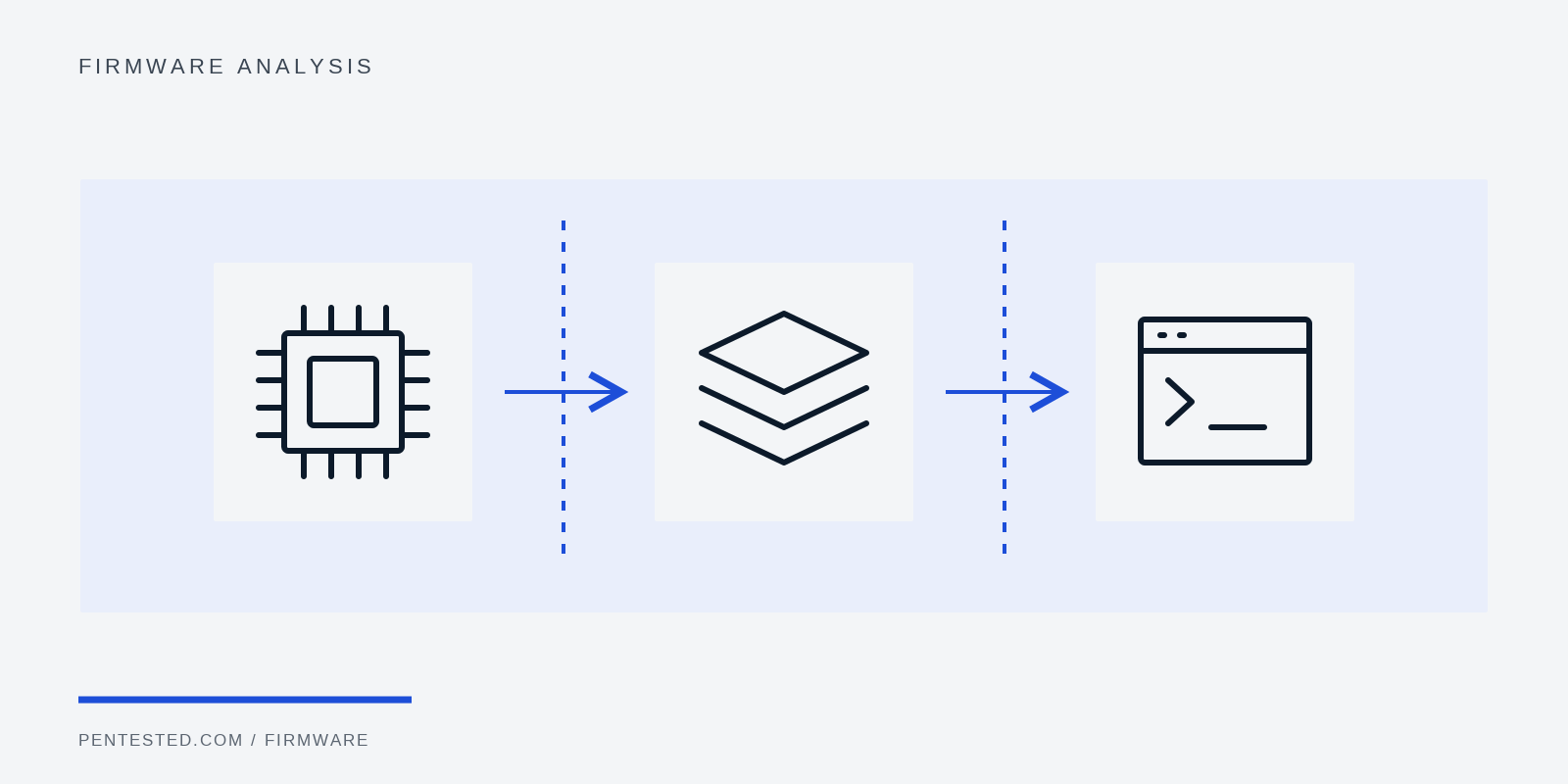
Evidence handling matters because firmware analysis often involves changing images, extracting files and reproducing device state. Understanding firmware evidence and reproducible analysis inputs helps establish which security property the feature needs and where that property is actually enforced.
What does this involve?
Firmware security depends on the relationship between the distributed image, installed configuration and code that actually executes. Offline analysis, emulation and real-device testing provide different kinds of evidence and should be connected before a strong impact claim is made.
To begin reviewing firmware contents, the firmware image file must be acquired. Attempt to obtain firmware contents using one or more of the following methods:
Each of the listed methods vary in difficulty and should not be considered an exhaustive list. Select the appropriate method according to the project objectives and rules of engagement. If possible, request both a debug build and release build of firmware to maximize testing coverage use cases in the event debug code or functionality is compiled within a release.
Why it matters
Consider a realistic failure: a reported issue cannot be reproduced because the analysed binary's version is unknown.
A firmware weakness may expose device credentials, permit privileged actions or affect availability. The practical consequence depends on reachable services, execution privileges and the trust placed in the device by other components.
Firmware evidence should identify the image, installed configuration and execution conditions. Static analysis, emulation and hardware testing answer different questions and should support a consistent conclusion.
How penetration testers check for it
Preserve image hashes, extraction settings, tool versions and device conditions.
- Record the exact image and device configuration.
- Trace suspicious artefacts into installed and runtime behaviour.
- Review privileges and externally influenced inputs.
- Preserve reproducible evidence and representative recovery conditions.
How to fix it
Keep original inputs separate from working copies and document repeatable verification steps.
- Remove unnecessary code, accounts and capabilities.
- Use safe input handling and narrow privileged interfaces.
- Protect secrets and authenticate relevant executable content.
- Verify fixes in the actual production and recovery artefacts.
A suspicious string or an emulation result is not enough to establish a working compromise. Validate the path and explain any environmental assumptions that affect the conclusion.
Recheck the changed behaviour against the original failure conditions and the legitimate user journey. Keep enough evidence to show which release and configuration were verified, and include related entry points that depend on the same security decision.
Related issues
- Reading flash and eMMC images for firmware analysis
- Extracting firmware through debug and bootloader interfaces
- Obtaining firmware from trusted vendor and development sources
Read about our methodology or contact pentested.com to discuss your firmware and embedded systems.