Implementing Java authentication and authorisation with JAAS
Implementing Java authentication and authorisation with JAAS connects a security requirement to the behaviour of a real feature. The relevant controls need to remain effective across custom code, integrations and the production configuration. Understanding java authentication and authorisation with jaas helps establish which security property the feature needs and where that property is actually enforced.
What does this involve?
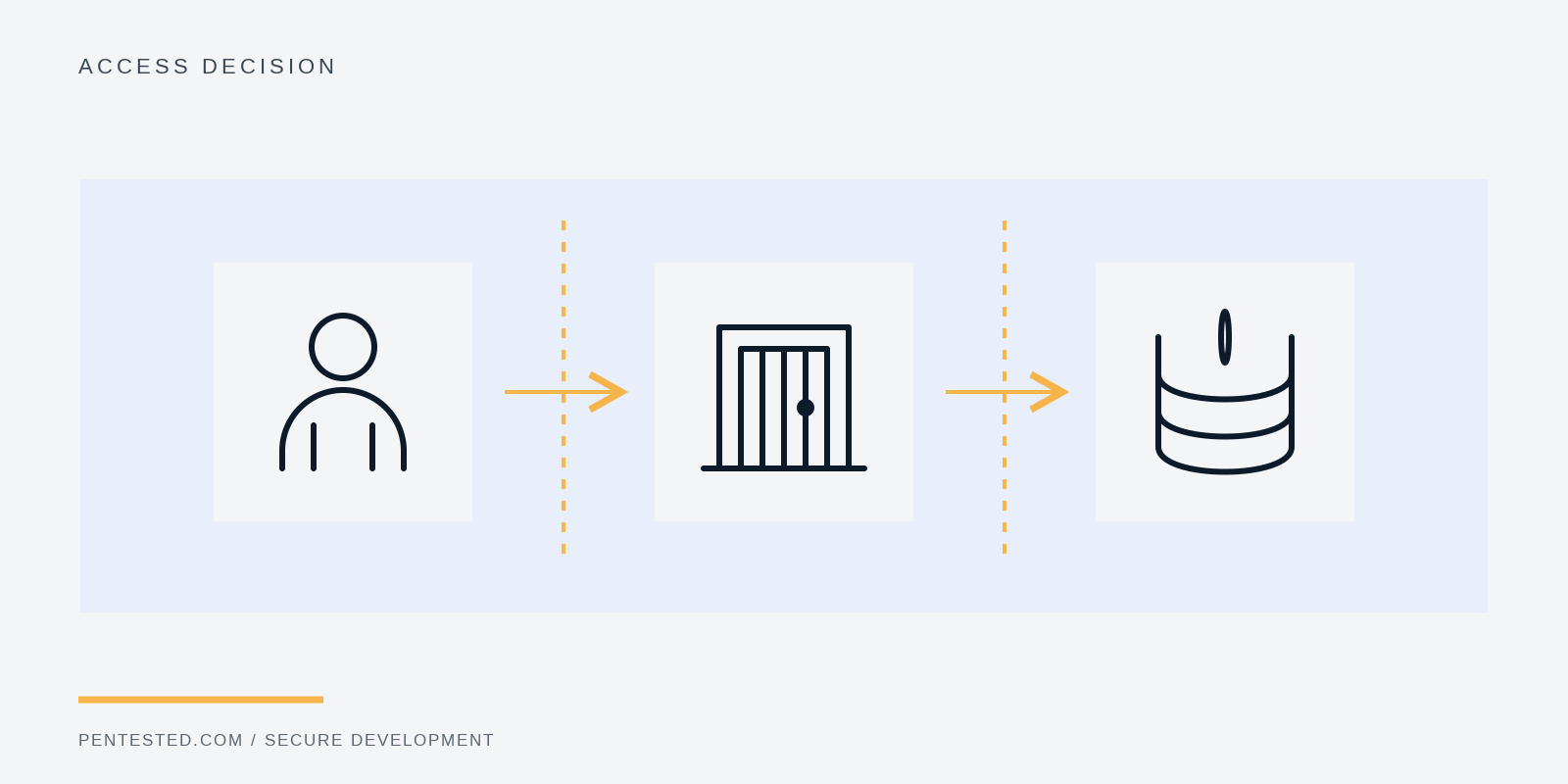
Authorisation determines which resources and operations an established identity may use. It must be enforced where protected data is read or changed. User interface restrictions, obscure identifiers and documentation can help usability, but they do not replace the service's own permission decision.
The word required indicates the LoginContext's login method must be successful when logging in the user. The LoginModule-specific values debug and succeeded are passed to the LoginModule.
They are defined by the LoginModule and their usage is managed inside the LoginModule. Note, Options are Configured using key-value pairing such as debug="true" and the key and value should be separated by a = sign.
Why it matters
Consider a realistic failure: a Java authentication integration establishes a subject but application operations fail to enforce its intended permissions.
A missing check can expose another account's information or let an ordinary user perform a privileged action. The result should be described by the actual records and operations reached, including whether access crosses a customer or organisational boundary.
Implementation guidance should be applied to a real feature and its deployment. Framework defaults, custom handlers and integrated services all influence whether the intended protection remains effective.
How penetration testers check for it
Trace the relevant feature from its entry point to the data or operation it protects, including custom code and alternate paths.
- Compare users with different roles and ownership relationships.
- Exercise read, change, delete and alternate access paths.
- Test nested resources, background processing and state changes.
- Confirm rejection as well as the legitimate successful journey.
How to fix it
Use the appropriate maintained mechanisms and verify the result in the actual production configuration.
- When executed, the 1st command-line argument is the stanza from the config file. The Stanza names the LoginModule to be used. The 2nd argument is the CallbackHandler.
- The arguments above should be saved as follows.
- If a LoginContext specifies 2 or more LoginModules, which is legal, they can share information via a sharedState map.
- Compare name and tempPW to values stored in a repository such as LDAP.
- Enforce permission checks at each protected operation.
- Maintain regression cases for unauthorised users and changed permissions.
A successful response alone does not prove unauthorised access. Establish whose resource was affected and what the caller was legitimately entitled to do.
Recheck the changed behaviour against the original failure conditions and the legitimate user journey. Keep enough evidence to show which release and configuration were verified, and include related entry points that depend on the same security decision.
Related issues
- Reviewing WebRTC signalling authentication and authorisation
- WebSocket API authentication and message authorisation
- Authentication and authorisation for mobile app components
Read about our methodology or contact pentested.com to discuss secure development and code review.