Auditing uploaded file content and processing controls
File handling combines user permissions with content interpretation, storage paths and later retrieval. Understanding uploaded file content and processing controls helps establish which security property the feature needs and where that property is actually enforced.
What does this involve?
A framework provides useful security mechanisms only when the application uses them consistently and deploys them with appropriate settings. Custom handlers, plugins and alternate execution paths can bypass protections that the development team assumes are automatic.
File upload functionality is a primary source of untrusted files. This section outlines the requirements for ensuring that the presence, volume, or content of these files cannot harm the application.
Why it matters
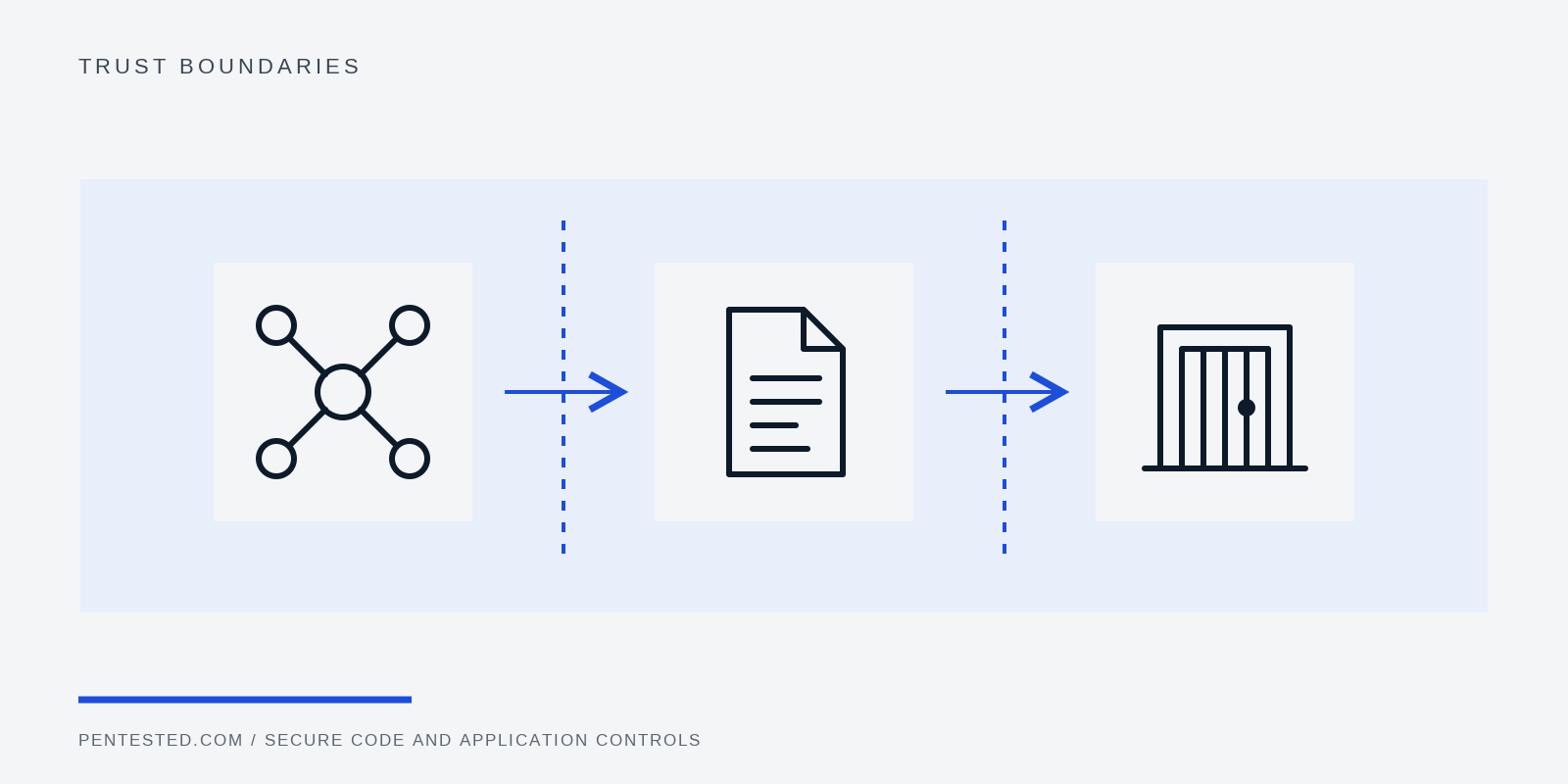
Consider a realistic failure: an ordinary uploaded document crosses into an executable or broadly accessible location during processing.
A configuration or integration mistake can affect many routes at once. The important question is which application data and operations become reachable, rather than whether a framework option merely differs from its default.
A code audit connects a stated requirement to the implementation responsible for enforcing it. Source review and targeted behavioural checks should explain the same boundary and any relevant exceptions.
How penetration testers check for it
Review the specific control expectations below against the code, deployment and observable application behaviour.
- Confirm that the application will only accept files of a size which it can process without causing a loss of performance or a denial of service attack.
- Confirm that when the application accepts a file, either on its own or within an archive such as a zip file, it checks if the file extension matches an expected file extension and validates that the contents correspond to the type represented by the extension.
- Confirm that the application checks compressed files against maximum allowed uncompressed size and against maximum number of files before uncompressing the file.
- Confirm that a file size quota and maximum number of files per user are enforced to ensure that a single user cannot fill up the storage with too many files, or excessively large files.
- Confirm that the application does not allow uploading compressed files containing symlinks unless this is specifically required (in which case it will be necessary to enforce an allowlist of the files that can be symlinked to).
- Confirm that the application rejects uploaded images with a pixel size larger than the maximum allowed, to prevent pixel flood attacks.
- Inspect custom integrations and security overrides.
- Test important negative cases alongside ordinary functionality.
How to fix it
Implement the required boundary in the component that actually performs the sensitive operation and retain focused regression coverage.
- Use maintained framework features and supported versions.
- Keep security-sensitive configuration explicit and reviewed.
- Avoid unnecessary custom replacements for trusted mechanisms.
- Retain regression checks for the application's actual trust boundaries.
A secure framework cannot determine every business permission or data ownership rule. Those requirements still need clear application design and enforcement.
Recheck the changed behaviour against the original failure conditions and the legitimate user journey. Keep enough evidence to show which release and configuration were verified, and include related entry points that depend on the same security decision.
Related issues
- Building secure file upload and processing workflows
- Reviewing application file storage and execution boundaries
- Documenting security requirements for application file handling
Read about our methodology or contact pentested.com to discuss the security of your application code.