Content Security Policy not set: what it means and how to fix it

If you have had a web application tested, there is a good chance the report included a finding called something like Content Security Policy not set. It is usually rated low. It is also one of the cheapest ways to make a whole class of attacks harder.
What the header does
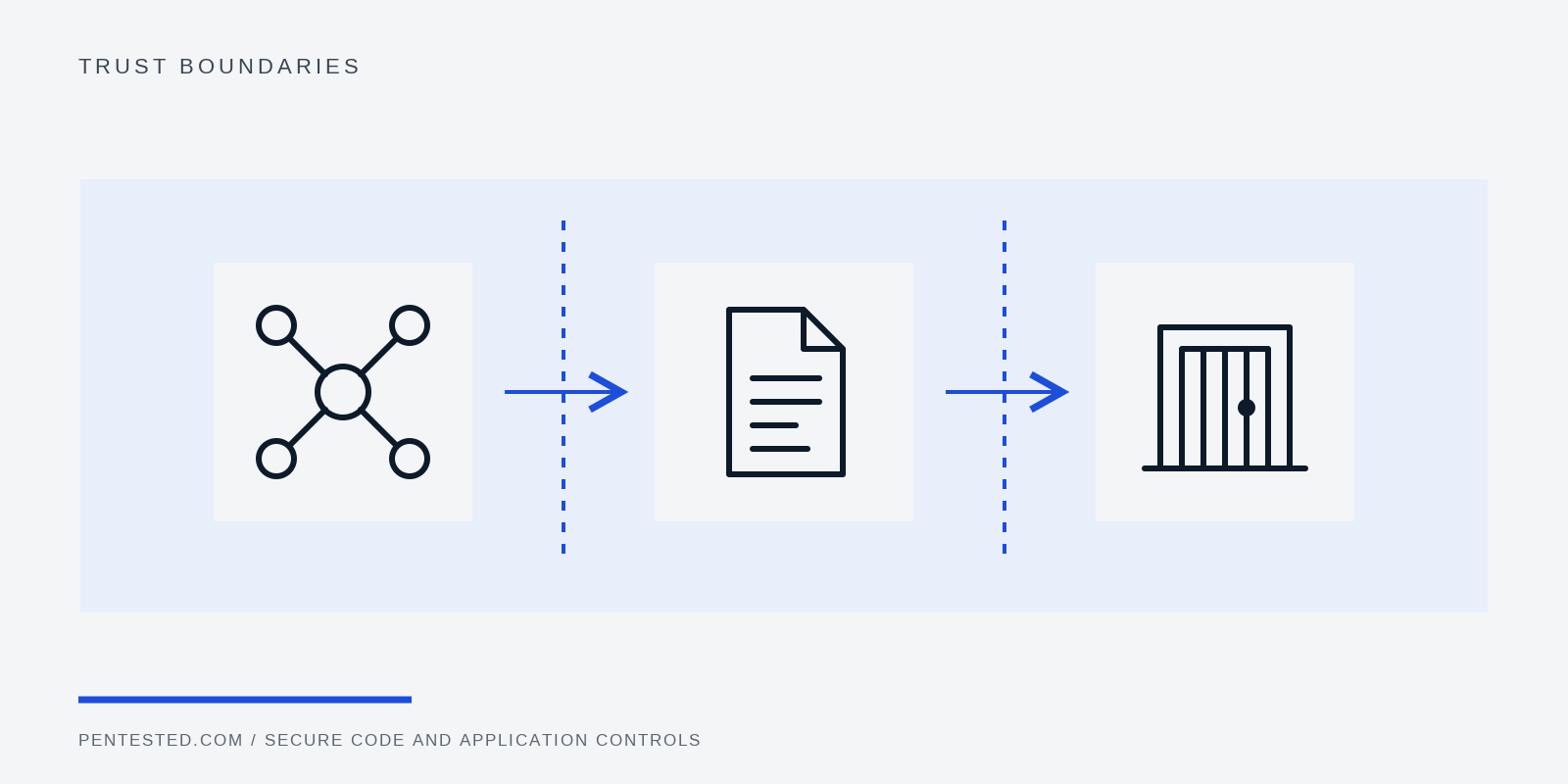
A Content Security Policy, or CSP, is a list of rules your server sends with each page. The rules tell the browser where scripts, styles, images and other content may come from. Anything from elsewhere is blocked.
That matters because of cross-site scripting. If an attacker finds a way to inject a script into your page, a browser with no policy will run it. A browser with a good policy will refuse.
CSP does not fix the injection flaw. It limits what an attacker can do with it.
A reasonable starting policy
Send this as an HTTP response header:
Content-Security-Policy: default-src 'self'; script-src 'self'; style-src 'self'; img-src 'self' data:; object-src 'none'; base-uri 'self'; frame-ancestors 'none'In plain terms: load everything from our own domain, allow embedded images, block plugins, and do not let other sites put this page in a frame.
The two settings that undo it
Testers look for two values in particular:
unsafe-inlineallows scripts written directly into the page. That is exactly what an injected script looks like, so allowing it removes most of the protection.unsafe-evalallows text to be turned into running code.
If a third-party library needs either one, consider replacing the library.
When you really need inline scripts
Use a nonce. Your server generates a random value for every page load, puts it in the header, and adds the same value to each script tag you trust. The browser runs only the scripts that carry it. The value must be new on every response.
Roll it out without breaking the site
- Send the policy as
Content-Security-Policy-Report-Onlyfirst. Nothing is blocked, and the browser tells you what would have been. - Read the reports for a week or two and adjust the policy.
- Switch to the enforcing header.
- Ask for a re-test, so the finding is closed in your report.
For the full detail, see the OWASP Content Security Policy Cheat Sheet.