Identifying IoT UART interfaces and serial settings
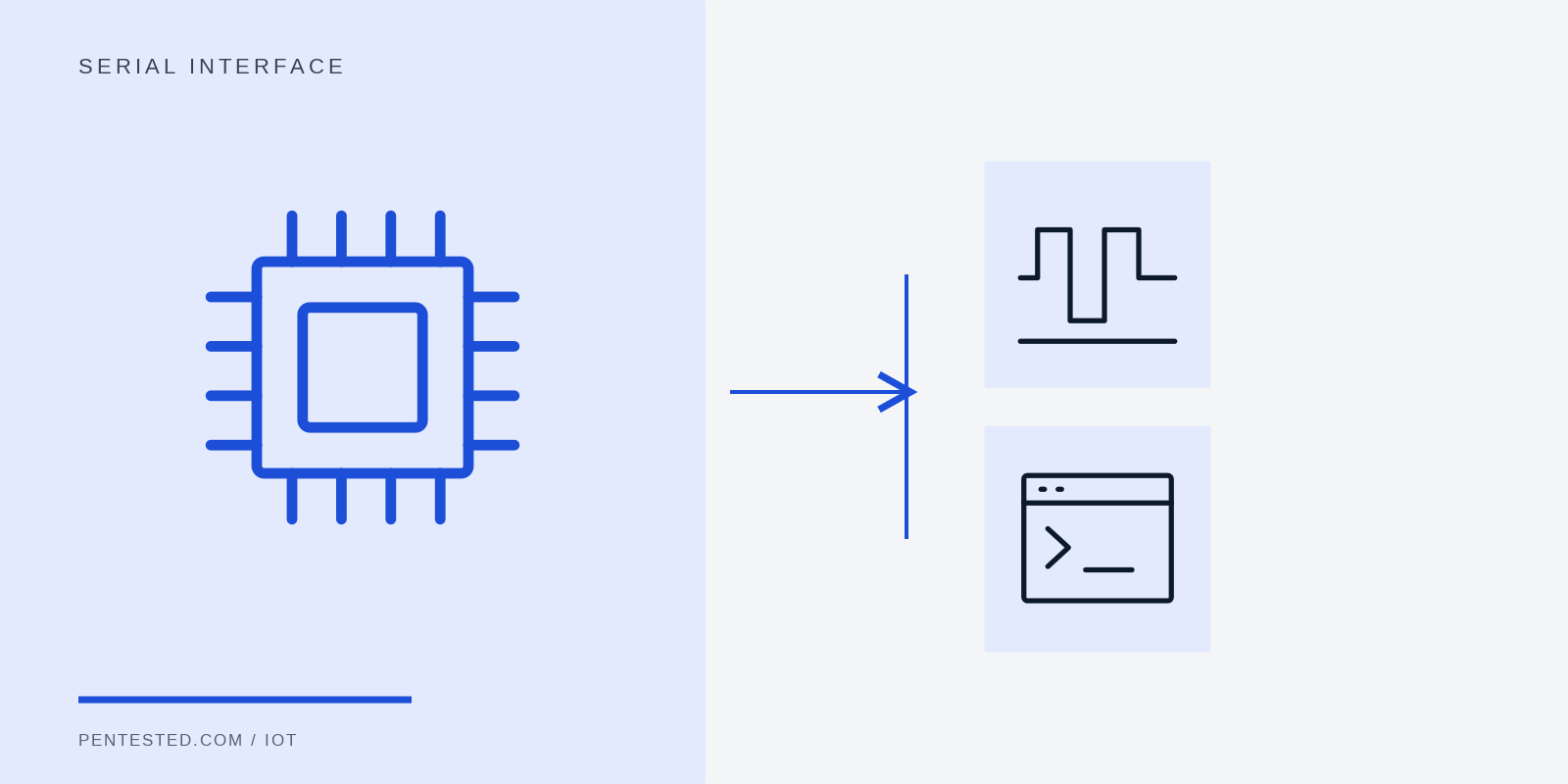
Identifying IoT UART interfaces and serial settings concerns the internal device bus or serial interface and the access conditions under which the device exposes information or performs an operation. Understanding IoT UART interfaces and serial settings helps establish which security property the feature needs and where that property is actually enforced.
What does this involve?
Device security spans processing, storage and interfaces that may be physically accessible outside the operator's control. Access conditions matter: opening a case, attaching a peripheral and sending a network request represent different attacker capabilities.
Before interacting with a UART interface, the physical pin locations and communication parameters must be identified. UART interfaces on IoT devices are commonly exposed as through-hole headers, surface-mount test points, or unpopulated pads on the PCB. The TX line can be identified by its idle-high state (held at VCC — typically 3.3V on modern IoT devices — when no data is being transmitted). The baud rate must be determined to decode serial output correctly; connecting at the wrong baud rate produces garbled output.
While the identification of UART interface parameters is not a vulnerability in itself, it is a prerequisite for further attacks. Manufacturers should depopulate UART headers and test point pads in production hardware and avoid silkscreen labeling that identifies debug interfaces. These measures increase the effort required for an attacker to locate and connect to the interface.
Why it matters
Consider a realistic failure: an accessible internal interface exposes a command, data or debugging path outside the normal user controls.
A device weakness can reveal local data, change operations or expose credentials used by the wider service. Assessment should distinguish what is obtained from the device itself from any separately demonstrated backend access.
Device findings need explicit access conditions. Record the hardware and software version, relevant interface exposure and whether the test assumes network access, an attached peripheral or access inside the enclosure.
How penetration testers check for it
Assess the stated device access level and verify the particular information, command or state change reachable through this component.
- The PCB must be inspected for UART indicators including silkscreen labels (TX, RX, GND, UART, J1, CON1), unpopulated header pads, or test points near the main SoC or processor.
- A multimeter must be used to identify the GND pin (continuity to device ground plane) and any VCC pin (static DC voltage). The TX pin can be identified by its idle-high voltage (approximately 3.3V or 5V) relative to GND.
- An oscilloscope or logic analyser should be used to confirm UART activity on suspected TX pins by observing digital transitions during device boot.
- The baud rate must be determined using one of the following methods.
- Use representative device states and controlled inputs.
- Record the actual information or behaviour reached.
How to fix it
Reduce unnecessary exposure and enforce the intended operation and data boundary at the device component that controls it.
- Remove unnecessary interfaces and capabilities.
- Enforce access checks at meaningful device boundaries.
- Protect sensitive storage and device credentials.
- Verify normal operation and recovery after changes.
Physical access is neither an automatic exemption nor proof of total compromise. The intended deployment, assets and realistic access prerequisites determine the relevance of the result.
Recheck the changed behaviour against the original failure conditions and the legitimate user journey. Keep enough evidence to show which release and configuration were verified, and include related entry points that depend on the same security decision.
Related issues
- Command injection through IoT serial interfaces
- Sensitive information in IoT serial output
- Interrupting IoT boot processes through UART
Read about our methodology or contact pentested.com to discuss your connected devices.