Why file extension security matters for your website

File extension security concerns how a server decides what to do with different kinds of files. It may run a file as application code, return its contents to the visitor or refuse access. An incorrect decision can expose private source code or configuration details. The visible filename is only one part of that decision, so changing a suffix alone does not provide reliable protection.
What is file extension security?
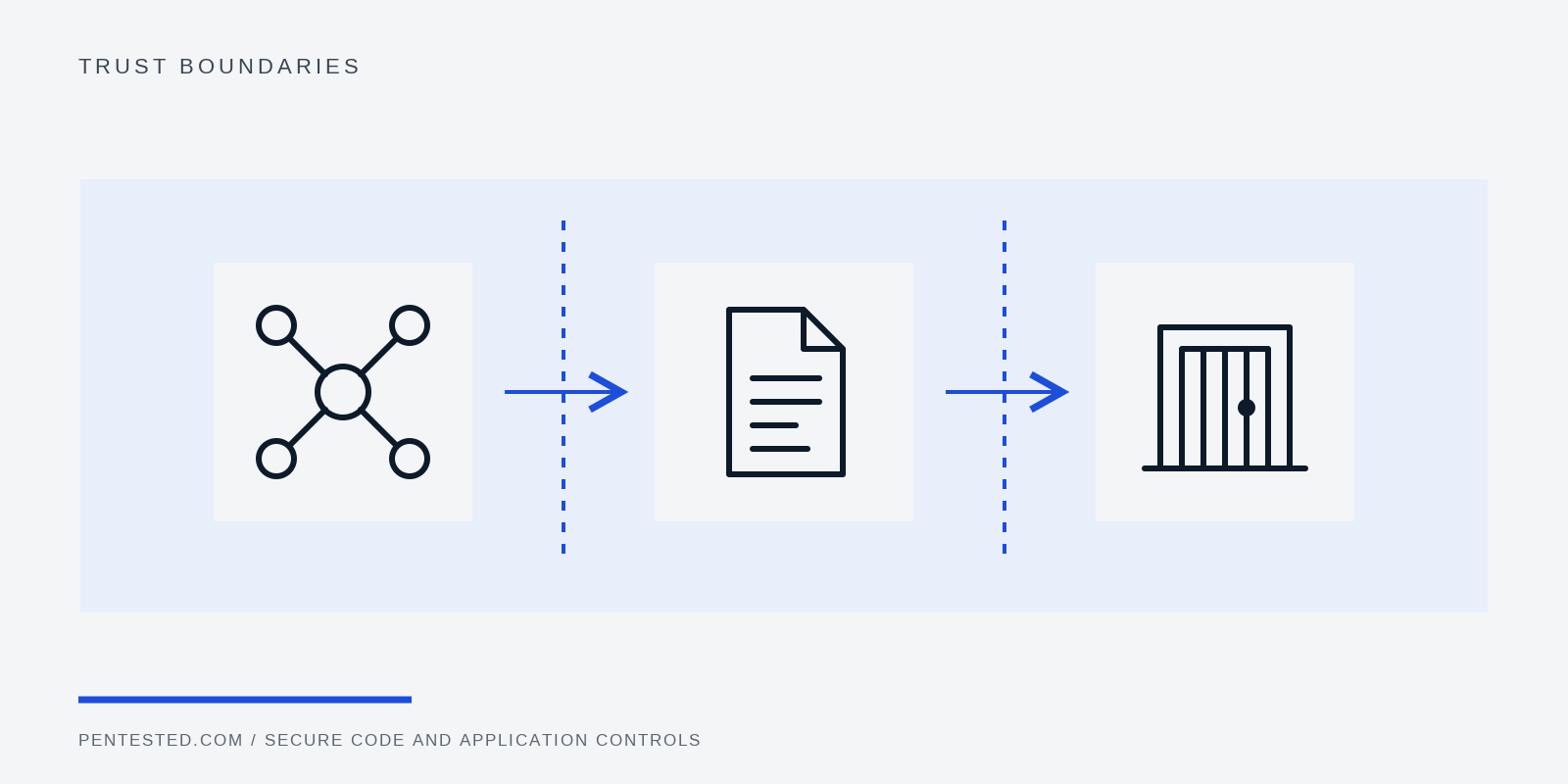
A file extension is the ending of a filename that commonly indicates its format or purpose. Web servers may associate particular extensions with software that processes the file before sending a response.
If those associations are missing or inconsistent, a file intended for internal processing might be delivered as readable text. A different mistake could allow code to run in a location intended only for ordinary documents.
File extension checks therefore need to consider the server's actual behaviour, the file's location and the processing rules applied to it. Looking at a filename does not establish that its content is safe.
This is distinct from reviewing sensitive website content already delivered intentionally to a browser. Here, the concern includes material the server should never have published in its original form.
Why it matters
Consider a supplier portal being moved to a replacement server. The new installation might correctly serve ordinary pages while missing the processing rule needed by one older application component.
If that component's files are returned directly, visitors could receive code containing service addresses or credentials. A working home page would not prove that every file type is handled correctly.
Another location might permit uploaded documents to run as code. The same general configuration problem can therefore create different consequences: disclosure in one area and unintended execution in another.
The impact depends on the exposed file and available permissions. Testers should establish what actually happens and whether sensitive material is involved, rather than reporting every unfamiliar extension as a weakness.
How penetration testers check for it
- Review the file types and processing rules relevant to the agreed application, identifying where content should be served, processed or restricted.
- Use permitted, non-destructive checks to confirm how representative files are handled, including locations with different publication or execution requirements.
- Compare behaviour across active servers and deployment routes where the architecture can apply different configurations to the same application.
- Distinguish intentional public content from confirmed source file disclosure or unsafe execution, recording enough redacted evidence to explain the business consequence.
How to fix it
- Keep private source, configuration and supporting files outside public publishing locations wherever the application design permits. Give public directories an explicit purpose.
- Configure only the processing rules the application requires. Restrict code execution to intended locations and prevent it in document upload or temporary storage areas.
- Make deployment failures deny access to private files instead of falling back to publishing their contents. Verify handling when a required processing component is unavailable.
- Apply consistent settings to every active instance. Add deployment checks for representative file types, and remove unnecessary copies that do not belong in public directories.
Check existing material as well as future uploads. Correcting an upload rule will not remove a confidential file that a previous deployment has already placed within public reach.
Related issues
- Web server configuration mistakes that expose your data
- How exposed backup files put your business at risk
- How sensitive website content exposes business details
Read about our methodology or contact pentested.com to discuss testing for your website.