Hardening Django application settings and request handling
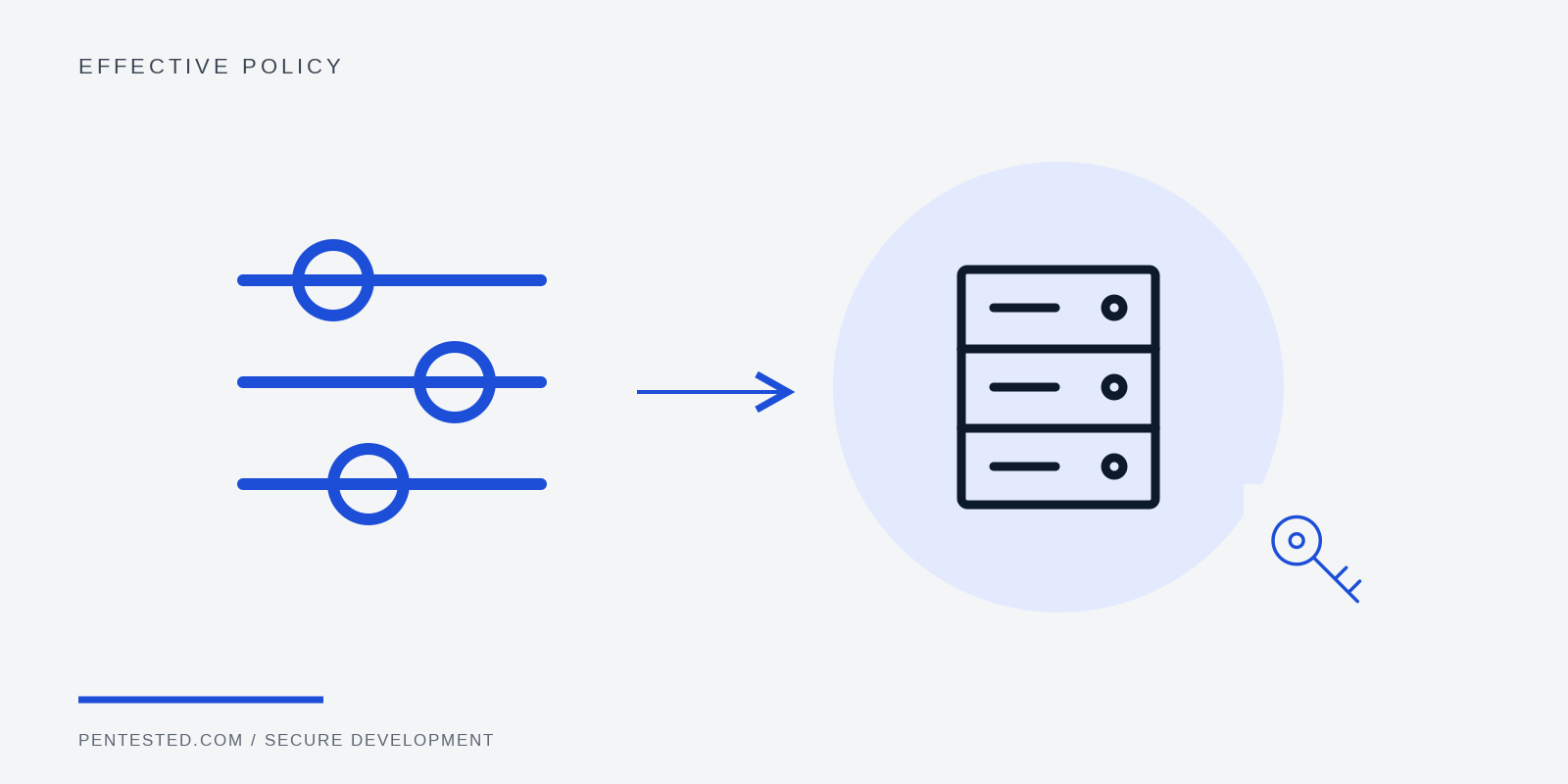
Hardening Django application settings and request handling connects a security requirement to the behaviour of a real feature. The relevant controls need to remain effective across custom code, integrations and the production configuration. Understanding django application settings and request handling helps establish which security property the feature needs and where that property is actually enforced.
What does this involve?
A framework provides useful security mechanisms only when the application uses them consistently and deploys them with appropriate settings. Custom handlers, plugins and alternate execution paths can bypass protections that the development team assumes are automatic.
Include the django.middleware.security.SecurityMiddleware module in the MIDDLEWARE setting in your project's settings.py to add security-related headers to your responses. This module is used to set the following parameters:
Include the django.middleware.clickjacking.XFrameOptionsMiddleware module in the MIDDLEWARE setting in your project's settings.py (This module should be listed after the django.middleware.security.SecurityMiddleware module as ordering is important). This module is used to set the following parameters:
Why it matters
Consider a realistic failure: a Django production deployment keeps development settings or bypasses a framework protection in custom code.
A configuration or integration mistake can affect many routes at once. The important question is which application data and operations become reachable, rather than whether a framework option merely differs from its default.
Implementation guidance should be applied to a real feature and its deployment. Framework defaults, custom handlers and integrated services all influence whether the intended protection remains effective.
How penetration testers check for it
Trace the relevant feature from its entry point to the data or operation it protects, including custom code and alternate paths.
- Review supported runtime versions and release settings.
- Trace identity, input and output through real application paths.
- Inspect custom integrations and security overrides.
- Test important negative cases alongside ordinary functionality.
How to fix it
Use the appropriate maintained mechanisms and verify the result in the actual production configuration.
- Always keep Django and your application's dependencies up-to-date to keep up with security vulnerabilities.
- Ensure that the application is never in DEBUG mode in a production environment. Never run DEBUG = True in production.
- Use packages like django_ratelimit or django-axes to prevent brute-force attacks.
- Use django.contrib.auth app for views and forms for user authentication operations such as login, logout, password change, etc. Include the module and its dependencies django.contrib.contenttypes and django.contrib.sessions in the INSTALLED_APPS setting in the settings.py file.
- Avoid unnecessary custom replacements for trusted mechanisms.
- Retain regression checks for the application's actual trust boundaries.
A secure framework cannot determine every business permission or data ownership rule. Those requirements still need clear application design and enforcement.
Recheck the changed behaviour against the original failure conditions and the legitimate user journey. Keep enough evidence to show which release and configuration were verified, and include related entry points that depend on the same security decision.
Related issues
- Hardening PHP runtime settings for production applications
- Implementing secure REST request and response handling
- Implementing Django REST Framework security controls
Read about our methodology or contact pentested.com to discuss secure development and code review.