Building XPath expressions without interpreter injection
Building XPath expressions without interpreter injection connects a security requirement to the behaviour of a real feature. The relevant controls need to remain effective across custom code, integrations and the production configuration. Understanding XPath expressions without interpreter injection helps establish which security property the feature needs and where that property is actually enforced.
What does this involve?
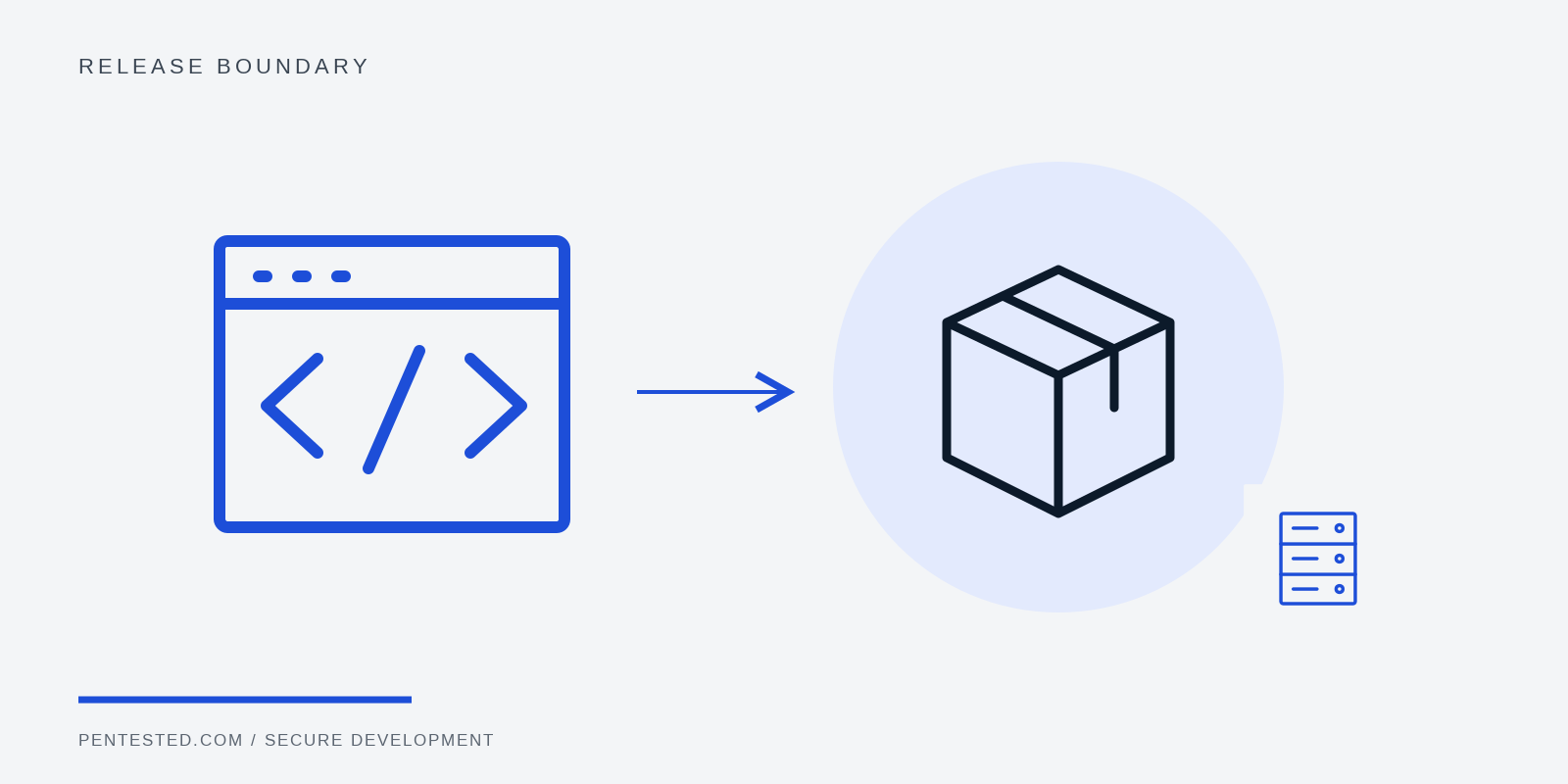
Release security connects reviewed source and configuration to the software that reaches production. Build identities, dependencies, signing, artefact storage and deployment permissions all influence whether the delivered application matches the intended release.
XPath selects data from XML documents. XPath injection occurs when external input becomes part of an expression's syntax, allowing it to change the query's meaning. Prevent it by keeping expressions under application control and passing external values through variable binding.
For Java, use the resolver pattern shown in the Java example below. Check the documentation for your particular API: accepting an XPath string or compiling an expression does not by itself mean the API provides variable binding.
Why it matters
Consider a realistic failure: an XPath expression treats untrusted input as query syntax instead of an ordinary value.
An attacker who changes a trusted build input or release artefact may reach many users or systems through a legitimate delivery channel. Broad credentials and weak separation can increase the effect of one compromised job or account.
Implementation guidance should be applied to a real feature and its deployment. Framework defaults, custom handlers and integrated services all influence whether the intended protection remains effective.
How penetration testers check for it
Trace the relevant feature from its entry point to the data or operation it protects, including custom code and alternate paths.
- Trace source changes through build, signing and deployment.
- Review identity, permissions and secret exposure at each stage.
- Inspect artefact provenance and integrity checks.
- Compare development assumptions with actual release configuration.
How to fix it
Use the appropriate maintained mechanisms and verify the result in the actual production configuration.
- Use an XPath API that supports variables. Write the expression in application code and supply external values separately. Do not concatenate or interpolate input into the expression, even if you compile it afterward: compilation alone does not separate data from query syntax.
- Control dependency and artefact changes.
- Validate production outputs and retain a reliable recovery path.
Passing a build does not establish trustworthy provenance. Verification needs to cover who could alter the inputs and artefacts as well as whether the pipeline ran successfully.
Recheck the changed behaviour against the original failure conditions and the legitimate user journey. Keep enough evidence to show which release and configuration were verified, and include related entry points that depend on the same security decision.
Related issues
- Building LDAP queries without injection vulnerabilities
- Preventing interpreter injection in Java application code
- Selecting safe APIs to prevent interpreter injection
Read about our methodology or contact pentested.com to discuss secure development and code review.