Applying secure development controls in .NET applications
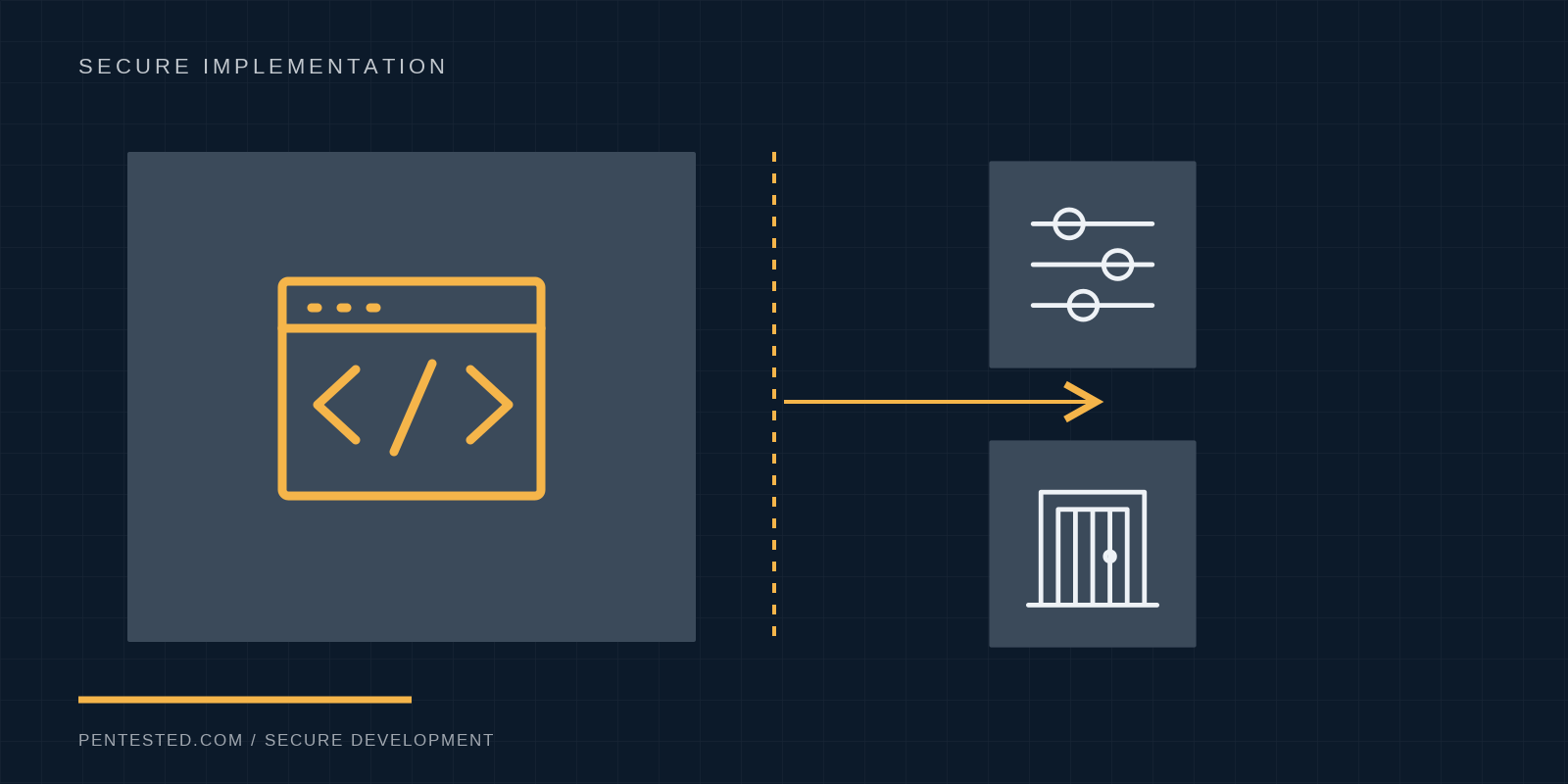
Applying secure development controls in .NET applications connects a security requirement to the behaviour of a real feature. The relevant controls need to remain effective across custom code, integrations and the production configuration. Understanding secure development controls in .net applications helps establish which security property the feature needs and where that property is actually enforced.
What does this involve?
A framework provides useful security mechanisms only when the application uses them consistently and deploys them with appropriate settings. Custom handlers, plugins and alternate execution paths can bypass protections that the development team assumes are automatic.
Prefer a fallback policy requiring authentication, and mark intentionally public endpoints with [AllowAnonymous] or AllowAnonymous. It covers only requests that reach the authorisation middleware; static files served earlier are not protected by it.
Authentication alone does not grant permission. Apply role or named-policy requirements, such as [Authorize(Policy = "...")] or RequireAuthorisation("..."), to privileged operations. Named policies do not inherit the fallback policy; include the authentication requirement.
Why it matters
Consider a realistic failure: a .NET feature uses a maintained framework but introduces unsafe custom input, identity or data handling.
A configuration or integration mistake can affect many routes at once. The important question is which application data and operations become reachable, rather than whether a framework option merely differs from its default.
Implementation guidance should be applied to a real feature and its deployment. Framework defaults, custom handlers and integrated services all influence whether the intended protection remains effective.
How penetration testers check for it
Trace the relevant feature from its entry point to the data or operation it protects, including custom code and alternate paths.
- Review supported runtime versions and release settings.
- Trace identity, input and output through real application paths.
- Inspect custom integrations and security overrides.
- Test important negative cases alongside ordinary functionality.
How to fix it
Use the appropriate maintained mechanisms and verify the result in the actual production configuration.
- Use a store that supports lockout and enable it for the affected users (LockoutEnabled). Configure IdentityOptions.Lockout and pass lockoutOnFailure: true to PasswordSignInAsync so failed password attempts count toward lockout. See Identity lockout configuration.
- Apply login throttling and multifactor authentication. Protect registration and password recovery too; login lockout does not cover those flows.
- Use Identity's PasswordHasher; do not call KeyDerivation.Pbkdf2 directly to store passwords.
- Set IdentityOptions.Password.RequiredLength according to the password strength guidance. Disable the RequireDigit, RequireLowercase, RequireUppercase, and RequireNonAlphanumeric composition rules. Update scaffolded registration and password-reset validation to match; see Identity password configuration. Also screen for common and breached passwords; length and composition settings do not provide that check.
- Avoid unnecessary custom replacements for trusted mechanisms.
- Retain regression checks for the application's actual trust boundaries.
A secure framework cannot determine every business permission or data ownership rule. Those requirements still need clear application design and enforcement.
Recheck the changed behaviour against the original failure conditions and the legitimate user journey. Keep enough evidence to show which release and configuration were verified, and include related entry points that depend on the same security decision.
Related issues
- Applying secure development practices to connected vehicles
- Applying secure Ruby on Rails development patterns
- Applying secure Symfony configuration and development patterns
Read about our methodology or contact pentested.com to discuss secure development and code review.