How a cross-domain policy can expose private data

A cross-domain policy tells certain application clients which other websites they may trust when accessing resources. In older technologies, a public policy file can grant that access too broadly. The resulting risk depends on whether a compatible client still uses the policy and what the service allows. Finding the file alone does not establish that private information is exposed.
What is a cross-domain policy?
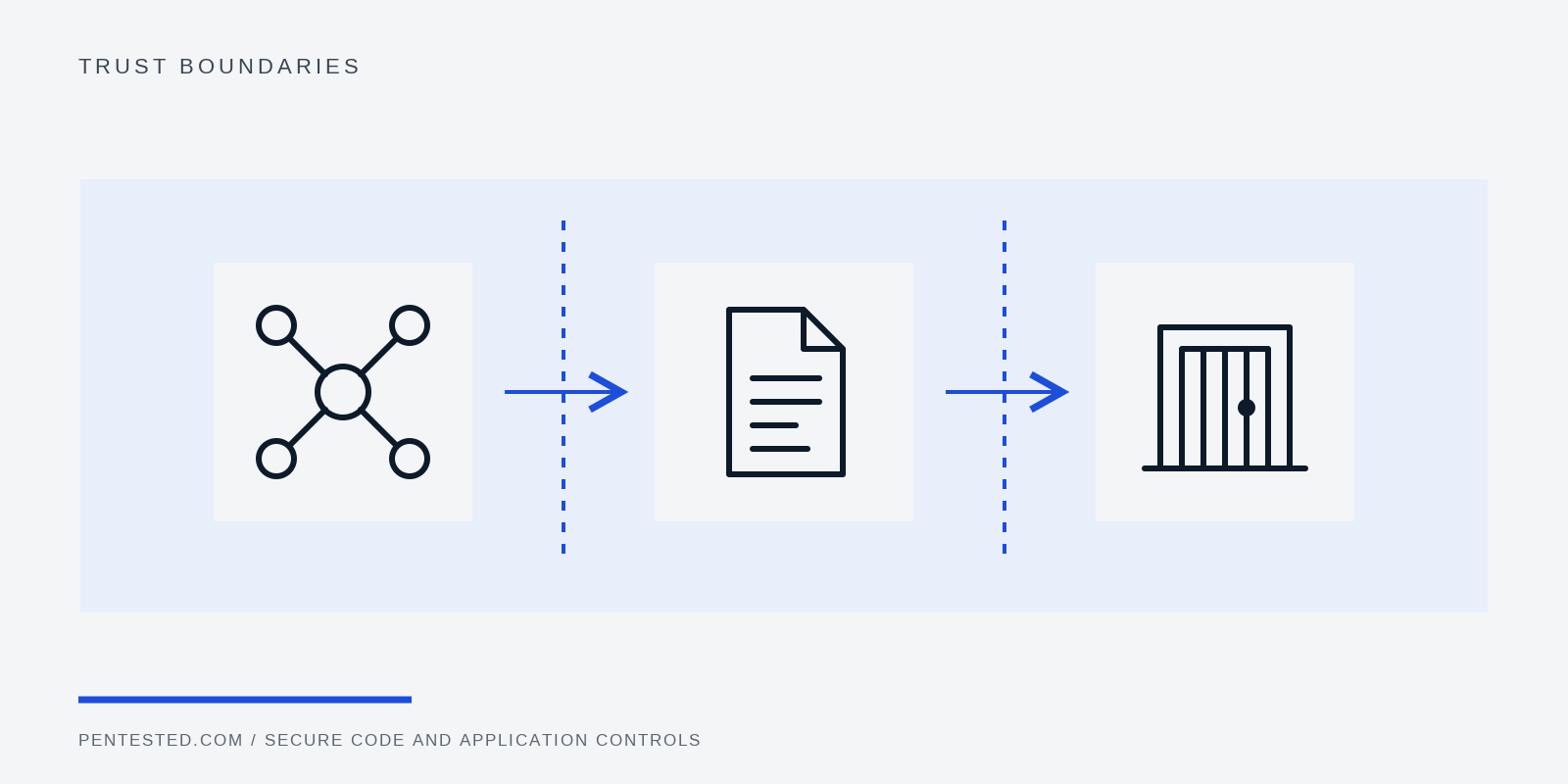
Older web application technologies used files such as crossdomain.xml and clientaccesspolicy.xml to describe permitted access between domains. A domain is a website's named address. Compatible clients read these policies when deciding whether another site may interact with protected resources.
The files may describe trusted domains, permitted request details and conditions for using encrypted connections. An unrestricted rule can extend trust beyond the integration the business actually intended.
This is a legacy configuration check. Standard modern browsers no longer run Adobe Flash Player, although an organisation may still have older applications or specialist clients to review.
CORS security covers a separate mechanism used by modern browsers. Editing a legacy policy file does not automatically change those modern browser controls or the server's own permission checks.
Why it matters
Consider a longstanding supplier dashboard that still depends on an older client application. The business might intend it to exchange information only with one approved partner system.
If its policy trusts unrelated domains, a compatible client could permit interactions beyond that intended relationship. Whether this exposes information or enables an unwanted action depends on the client, the user's access and the checks enforced by the service.
The tester therefore needs to establish an active dependency and a plausible consequence. A forgotten file on a modern site may simply be obsolete configuration that should be removed.
Adobe Flash security is part of the wider legacy review where that technology remains relevant. Retaining unsupported client software creates maintenance questions that a narrower policy cannot resolve by itself.
How penetration testers check for it
- Identify relevant policy files within the agreed application scope and establish which active clients or integrations, if any, still rely on them.
- Review the declared trust relationships, permitted request features and transport conditions against the business's intended partner and application arrangements.
- Use authorised accounts and appropriate test conditions to assess the consequence of excessive trust where a compatible client remains in use.
- Separate confirmed active exposure from obsolete files or unsupported assumptions, explaining which part of the client and server arrangement creates the risk.
How to fix it
- Remove unnecessary legacy policy files after checking their dependencies. Retire redundant integrations through a controlled change that includes the application and its clients.
- Where a policy remains necessary, limit it to the specific trusted domains and capabilities the integration needs. Require encrypted connections where the technology supports them.
- Enforce identity and permission checks on the server for protected resources. Client trust rules should accompany those checks, because the server still controls access to the data.
- Plan migration away from unsupported clients and test replacement browser controls separately. Record the owner and intended trust relationship for every retained exception.
Recheck policies after supplier or domain changes. A domain that once belonged to an approved integration may later have a different owner or no remaining business purpose.
Related issues
- Why HTTPS enforcement needs more than a redirect
- CORS and cookie authentication risks in browser-facing APIs
Read about our methodology or contact pentested.com to discuss testing for your website.